powering productive workplaces
latest
Front page
NewsUC&C10m · 12:01 GMT · 4 min read

Teams Admin Center Device Management Ends by December 15

Microsoft is switching off Teams Admin Center management for Teams Rooms on Android, panels, SIP devices and phones, with public-cloud deprecation starting by mid-November and finishing by December 15. Admins need to move to the Pro Management portal and confirm they hold a license that opens it.

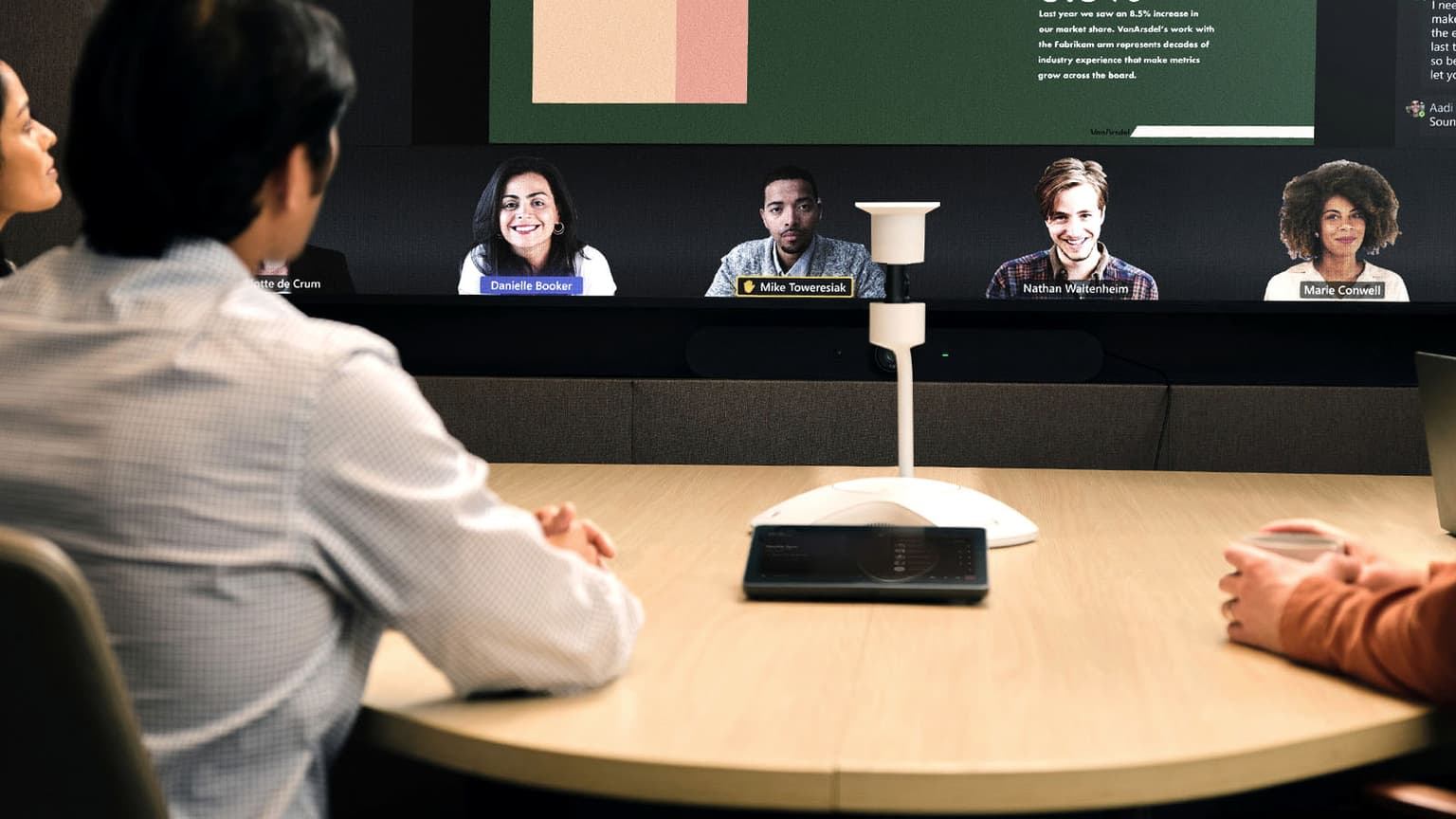
People at a round table in a Microsoft Teams Room, facing a wall display showing a Teams meeting

Microsoft is moving management of Teams Rooms on Android, panels, phones and SIP devices out of the Teams Admin Center (TAC) and into the Teams Rooms Pro Management portal (PMP), and says the first stage of that deprecation starts by mid-November. IT teams will need to update and restart these devices from the new portal once the cutoffs pass.

In public clouds, TAC administration for SIP devices, Teams Rooms on Android and panels starts deprecating by mid-November and is due to finish by the end of the month, Microsoft says in its transition guide. Phones follow, starting in early December and finishing by December 15.

That gives admins until those dates to get every device, admin and license in order, because devices that miss the move "could have limited management capabilities" once the TAC features go, Microsoft warned in message center notice MC1448373, updated on October 29.

A Deadline That Has Already Moved

The switch-off has already slipped once. The same notice says the deprecation was "originally planned for September 2026" and has been extended into November "to allow additional time for remaining feature dependencies and customer migration." When UC Today covered the move on October 2, the timetable had the removal finishing by the end of September, so the new schedule pushes the finish back about two months for rooms and panels, and further for phones.

There is also a discrepancy in Microsoft's guidance. The Learn article that sets out the November and December dates, last updated on October 29, gives a different timetable in its FAQ on the migration deadline, saying deprecation "will begin in October 2026 and is expected to be completed by the end of October 2026." The timeline and the notice agree, which suggests the FAQ answer is out of date, but the page doesn't say so, and the timeline notes that "dates are subject to refinement." Until Microsoft clarifies, admins should plan to the earliest date that applies to them.

Government Cloud Dates

In GCC High and DoD, TAC device administration starts deprecating in early December and finishes by December 15, while GCC starts in early January and finishes by January 30. Phones in all three government clouds follow the January schedule. Microsoft doesn't state the year for those dates, though 2027 is implied, and government-cloud devices need a later Admin Agent minimum, version 856, compared with 830 in the public cloud.

Licensing Requirements

Microsoft lists three qualifying routes into the portal. The organization must hold at least one Teams Rooms Pro, Teams Rooms Basic or Teams Rooms Standard license, or at least one Teams Shared Space license, formerly Teams Shared Devices, or it must already have at least one Teams device enrolled in the portal, a route mainly meant for customers who manage only Teams phones. Existing phones enroll automatically once they reach Admin Agent 830, while a tenant new to the portal must sign in to at least one phone to set it up.

On cost, the FAQ says current access "is included with Teams Rooms and Teams shared device licensing" and promises more guidance "if any licensing scenarios require attention." The features available still vary by license, and for Teams Rooms systems Microsoft reserves remote configuration, device history, custom health alerts and device analytics for Teams Rooms Pro, while Basic gets portal enrollment, inventory and automatic updates. The transition guide doesn't say whether Basic-licensed Android rooms, or phone-only tenants that qualify through an enrolled device, keep every remote action they use in TAC today.

Admin roles also need checking, since entry requires the Global Administrator, Teams Administrator, Teams Device Administrator or Global Reader role in Microsoft Entra ID, or a built-in or custom portal role, and admins scoped to an Entra administrative unit are locked out unless a fully privileged admin gives them a custom portal role.

Devices That Need Attention

For devices that are online and up to date the move is largely automatic, because Microsoft is pushing the minimum Admin Agent faster than update rings allow, including onto devices with auto-updates switched off, and says these updates are "NOT PAUSABLE."

Microsoft can't update devices it can't reach, so units powered off or signed out for long periods, and factory-reset stock, need attention from admins, and anything older than Admin Agent 794 needs OEM firmware first. Once TAC management is gone, admins "may need to use the OEM portal to update firmware" before those devices can be managed again. Configuration profiles and tags can be imported, but maintenance windows aren't migrated, and Teams Displays aren't moving at all.

What to Do Now

Admins can start by comparing the portal's inventory with TAC, device by device, then confirming that the tenant holds a qualifying license and that every admin who needs access has a supported role. After that, they can power on and sign in idle devices, update anything below Admin Agent 794 while TAC still works, and fix any device flagged "not connected to IoT Hub" by opening the required network endpoints.

The end of November and December 15 belong in the change calendar, and the conflicting end-of-October FAQ answer is a reason to start early. Devices that haven't reached the portal by then are the ones Microsoft says could be left with "limited management capabilities," and an inventory check now is the most direct way to find them before the TAC tools are withdrawn.

rate this story
helps rank stories across uc today
Join the conversation

Does this reflect your experience?

opening the room…