

We’re quickly discovering that inter-office phone calls and emails aren’t the best way to stay connected in an environment that’s becoming increasingly agile and remote.
In recent weeks specifically, companies of all sizes have been forced to find better ways of working together when individuals can’t share an office space. That’s where tools like Slack and Microsoft Teams swoop in.
These collaborative environments create an incredible space for internal employees to discuss projects and work hand-in-hand on tasks. However, there’s a problem. Collaboration tools are designed to connect internal workers. Often, external employees, clients, and contractors are ignored.
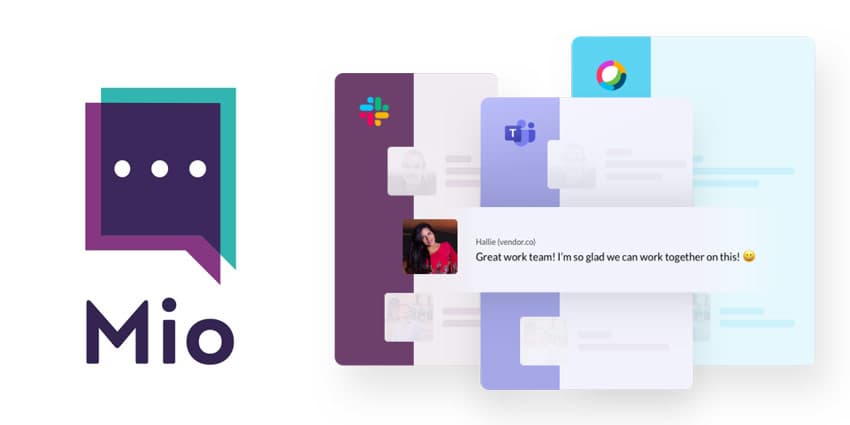
Mio has stepped in to address that problem by extending Slack’s shared channels concept to users of Microsoft Teams. Microsoft Teams users can now invite external contacts to join universal channels from any Microsoft Teams tenant or Slack workspace.
I spoke to Tom Hadfield, Mio’s CEO, about the solution.
Creating Microsoft Teams Shared Channels
Mio is committed to powering seamless communication experiences between people on Microsoft Teams, Webex Teams, and Slack. Although Mio has seen a massive response to its introduction of the new Universal Channels solution, some use cases are standing out more than others.
For instance, Hadfield told me the thing that’s really resonating in this complex time is the ability that Mio gives businesses for customers to have shared channels between Microsoft Teams users on different Microsoft tenants.
For a long time now, Slack has offered shared channels for Slack users on different Slack workspaces. However, if you wanted to connect with an external company or individual on Microsoft Teams, there’s no simple solution. Even if both of you are using Microsoft Teams, one would have to create a guest account for the other.
“Professional services companies like marketing agencies, lawyers, investment firms, and accountants are all seeing a growing need to connect with clients who use Microsoft Teams. They don’t want to rely on guest accounts, which create IT admin headaches and security risks. Until now, because Microsoft doesn’t offer a “shared channels” solution, many Teams customers are forced back to email for external communication.”
The Use Cases for Mio Universal Channels
Mio Universal Channels allows business leaders to connect their Microsoft Teams channels with external business contacts who use Microsoft Teams, Slack, or Cisco Webex Teams. As Tom told me, most of the company’s customers are Slack clients looking to talk to external customers or colleagues in Microsoft Teams.
However, as the spike in usage of Microsoft Teams continues to grow, Microsoft customers are increasingly looking for a shared channel experience in Teams as well.


