powering productive workplaces
Front pagesponsored · QSC
Workspace Tech34m · 10:31 BST · 3 min read

The Untapped Spaces Your Teams Rooms Rollout Hasn't Reached

Most enterprise Teams Rooms deployments get the boardroom right first, leaving the shared spaces and unplanned corners of the workplace to catch up later, and QSC's Geno Zaharie says that gap is where fragmented support, rising costs and patchy utilisation data start to build

Empty boardroom with a wooden table and cream chairs, lit by low sunlight through floor-to-ceiling windows, with the Q-SYS logo in the corner.

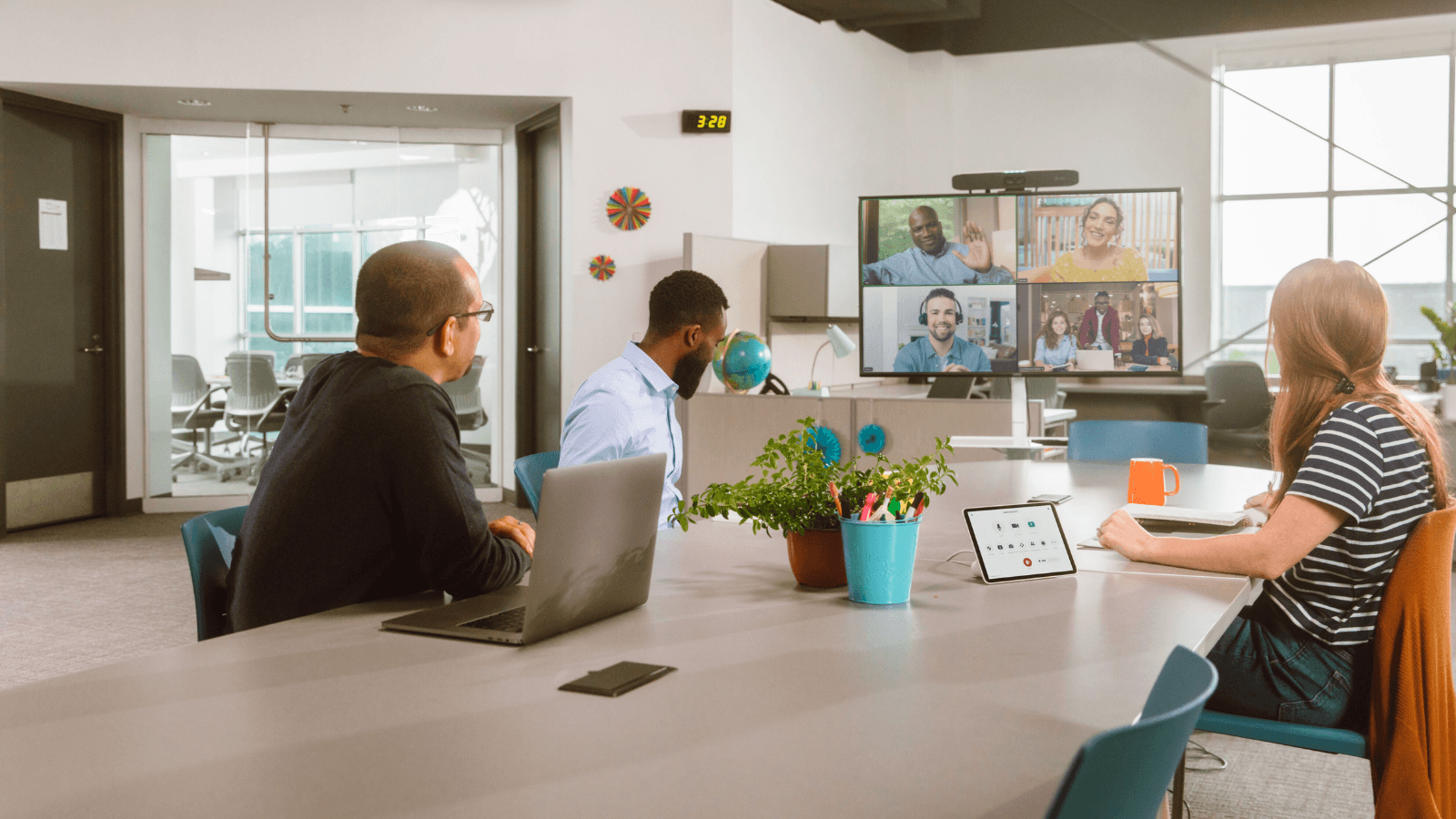
Hybrid work has spent the last few years spreading out of the conference room. Today’s meetings start in corridors, get finished at a hot desk, and spill into whatever open corner has a screen and a webcam nearby. 

Enterprise Teams Rooms rollouts haven't caught up with that. Most still follow the same running order they did when the category began: focus on the bookable conference rooms first, because they're the easiest spaces to plan around. Procurement can size the hardware and the business case stays simple: fewer, high-usage rooms, and a clear budget. 

That's why the rest of the estate tends to wait. Geno Zaharie, Senior Director of Alliances and Ecosystem at QSC, has seen this happen across large rollouts: 

“Once organizations have successfully deployed Microsoft Teams Rooms in the primary conference spaces, the next challenge is scaling a consistent collaboration experience across all the other spaces people work in.” 

The spaces that come next are the ones nobody scoped from the start: conversation nooks, open collaboration areas, reconfigurable rooms, none of them built with a Teams Rooms spec in mind. 

“The spaces that are hardest to standardize are usually the ones that weren't originally designed as meeting rooms at all.” 

The Cost of Fragmentation 

None of this stays a hardware problem for long, according to Zaharie. Manage huddle rooms, shared spaces and meeting-room entry points as separate systems instead of one platform, and friction soon follows: 

“The operational consequences show up as fragmented user experiences, higher operational support costs, and no single view of workplace utilization.” 

Without a shared view across the estate, IT ends up managing several small vendor relationships instead of one, troubleshooting each room type through a different support process, and reporting on utilisation with data that only covers part of the building. 

None of it shows up as one obvious failure. It builds as extra admin that's easy to underestimate, until someone asks how the whole estate is performing. 

Defining the High-Performance Workplace 

For Zaharie, a high-performance workplace is measured by more than whether the meeting worked: 

“A high-performance workplace enables people to move seamlessly between spaces, collaborate from anywhere, access the resources they need.” 

That's what gives an organisation the insight to keep improving how work happens, not just the ability to run one type of meeting well. 

It also changes what IT should assess before equipping additional spaces. Zaharie's advice is to change the question itself: 

“Before making the next hardware decision, organizations should avoid framing the decision as ‘How many more spaces can we enable?’ and instead ask ‘What workplace outcome are we trying to improve?’” 

The deployments that work, he says, treat Teams as one piece of a bigger workplace strategy, not a running total of rooms fitted with new hardware. 

Standardising every room type on one full stack AV platform gives IT teams what fragmented systems can't: a single support model instead of several vendor relationships, one view of how the whole estate is actually being used, and a Teams experience that looks and behaves the same whether someone's in the boardroom or a repurposed corner office. That consistency is what lets IT move from firefighting individual rooms to managing the estate as a whole. 

That thinking is what shaped the recent Q-SYS portfolio additions built for exactly these rooms: the Scheduling Panel, RoomSuite Collaboration Bar, and RoomSuite Modular System, all certified for Microsoft Teams. UC Today's next look at the Q-SYS portfolio breaks down what each one does, and where it fits into an existing Teams Rooms deployment.

The discussion0 takes · attributed & checked

Does this reflect your experience?

opening the room…
Read nextordered by techtelligence · every pick explained
picked for this story

Q-SYS + Microsoft: Why Your Teams Rooms Investment Is Only Half the Story

7 May 2026
more from QSC · sponsoredInfoComm 2026: Q-SYS Exposes the Biggest Meeting Room Trap29 Jun 2026same beat · Workspace TechThe 365-Day Stadium: How Crestron Powers Matchday at Espai Barça12 Aug 2026