
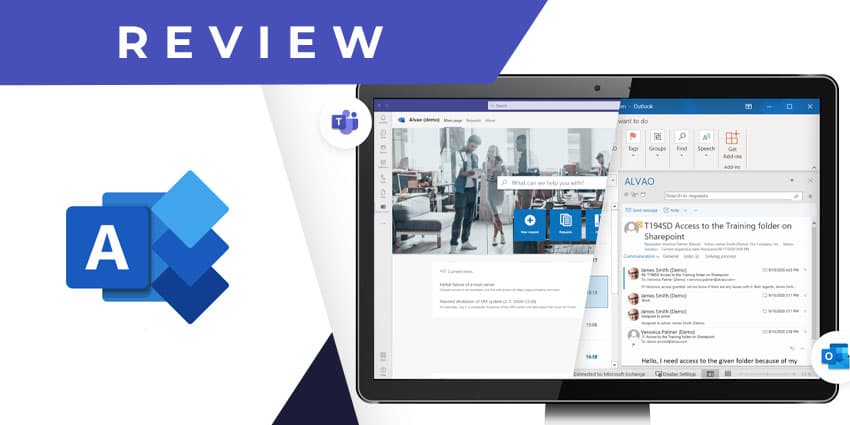
Alvao Service Desk is a Teams-based internal helpdesk app by Scandinavian software developer Alvao. The company was founded over two decades back and specialises in developing custom software solutions for asset management and service desks. The company has worked with large regional enterprises, including Czech Republic’s largest lottery and gaming company, SAZKA, Czech TV, and Hartmann Rico. Alvao also builds custom tools for managed service providers (MSPs) and enterprise ITSM teams.
Alvao Service Desk is among the company’s prebuilt solutions for the Microsoft ecosystem. It leverages Office 365 tools like Microsoft Outlook and Microsoft Teams to streamline internal helpdesk operations, particularly for ITSM. However, the platform is also useful for non-IT helpdesk scenarios like facility management, fleet management, human resources, etc. Alvao Service Desk is ITIL certified, which means you can deploy the solution with complete confidence in its process integrity.
- Halp for Microsoft Teams Review: Optimise and Automate Ticket Resolution through Conversations
- HappyFox For Microsoft Teams Review: Omnichannel Help Desk at its Simplest
Alvao Service Desk bundles together a host of essential features you’d require to support employees and internal customers. There is a service catalogue, knowledge base, self-service portal, incident management module, and other key capabilities. Alvao Service Desk for Teams converts the Microsoft Teams environment into a request submission portal for employees. Teams administrators can now manage service requests directly from Teams and complete the ticket resolution lifecycle using the web app.
Let us explore the key features of Alvao Service Desk in detail.
Inside Alvao Service Desk for Teams
Before you can start using the Alvao Service Desk app, you will need an active Alvao account. You can contact the company for a demo and custom quote of their Microsoft-centric service desk solution if you aren’t an existing Alvao customer. Next, leverage the solution to configure service request workflows and set up approval systems. Users may segregate and prioritise requests based on their importance and the relevant admin department.
You can download the Alvao Service Desk add-in for Teams from Microsoft AppSource. Here are the features to expect.


