
Small meeting rooms are often where collaboration standards start to fray.
They are too important to rely on a laptop microphone and whatever camera happens to be available. But they can also be too small – and too lightly used – to justify the cost and permanence of a full video bar installation.
The result is an uneven hybrid experience. A large boardroom may have a standardized conferencing system, while a four-person huddle room has a laptop at one end of the table and remote participants struggling to hear or identify who is speaking.
Insta360 sees an opportunity in that gap. The company is positioning its Wave speakerphone, paired with a Link 2 or Link 2 Pro gimbal webcam, as a modular setup for smaller meeting rooms and collaborative workspaces.
The pitch is not that a camera-and-speakerphone combination replaces a video bar in every room. Rather, it is intended for organizations that need flexibility in spaces built for three to five people.
Luoling Zhang, Product Manager for Wave at Insta360, said Wave represents an expansion of the company’s conferencing portfolio, bringing together audio, video, and AI-powered workflows.
“People are not only seeing each other and hearing each other, but can also turn their conversations into useful information – or even context for AI”
The Space Between a Laptop and a Video Bar
A dedicated video bar can bring consistency to a room, but may feel disproportionate for a space used for quick check-ins, project discussions, ad hoc customer calls or rooms with no TVs. A laptop-only setup, meanwhile, creates a different set of compromises: weak audio pickup, poor framing, and reliance on whichever employee’s device happens to be connected.
Wave and Link are designed to sit somewhere in the middle.
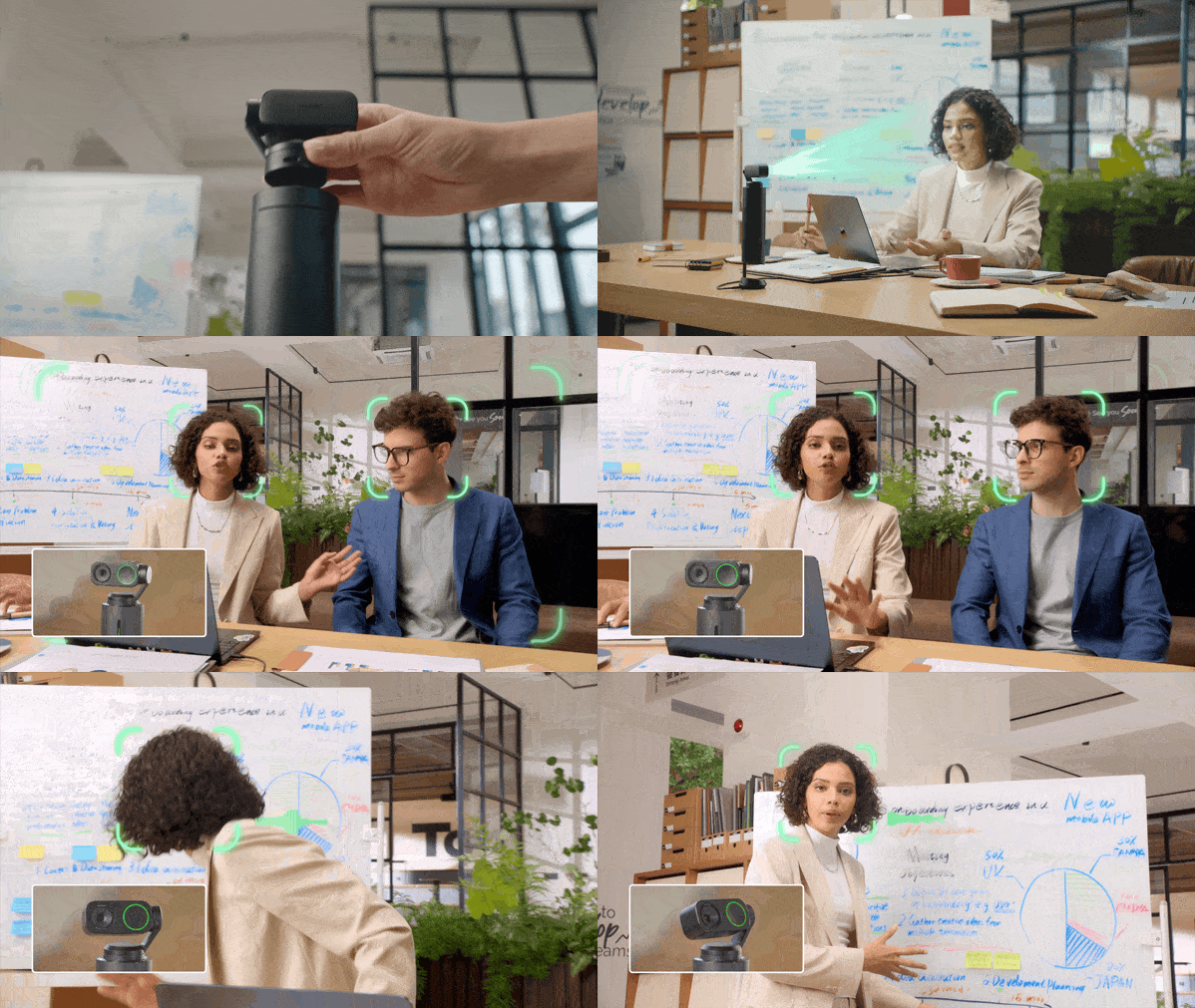
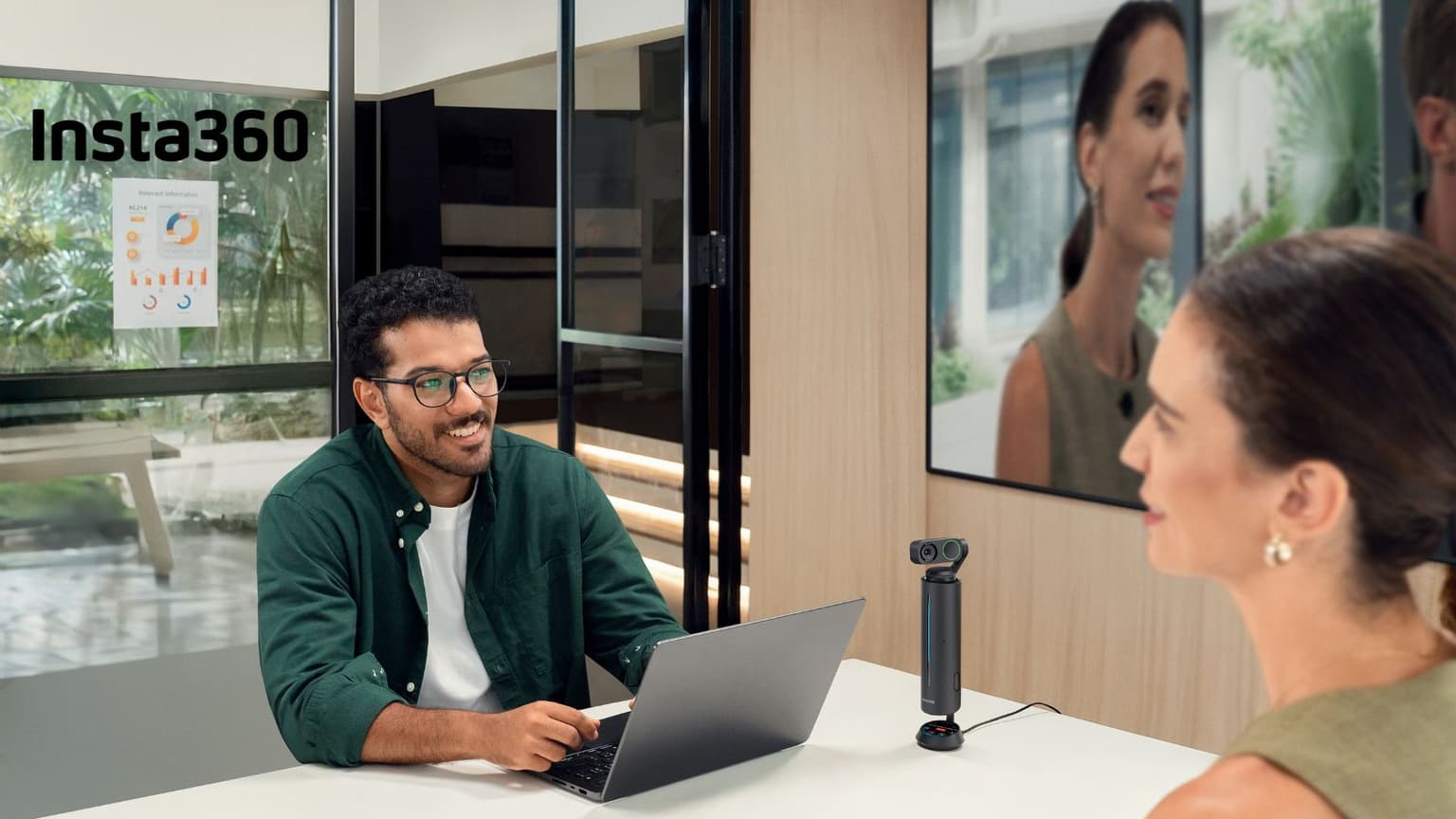
The setup combines a tabletop speakerphone with a webcam mounted directly above it. Wave handles audio capture and playback, while Link provides the video. According to Insta360, the pairing can support active-speaker tracking, with the camera changing its framing as different people speak.
Zhang said the configuration is intended for small and medium meeting rooms, as well as collaborative spaces where teams need clearer audio and more natural video without committing to a fixed installation.
“Link 2 can sit directly on top of Wave,” she said. “You have integrated audio and video in one setup. Wave captures voices, and Link 2 is in charge of the video.”
The experience of joining a hybrid meeting from a small room is often determined by the weakest component in the chain. Remote attendees can tolerate a less polished room aesthetic; they are less forgiving when they cannot hear the discussion or tell who is talking.
Modularity Has Benefits – and Trade-Offs
The appeal of modular room hardware is that it can be configured around different needs.
Zhang was careful not to position the modular approach as a universal replacement. “A modular setup with Link gives organizations more flexibility to configure audio and video independently,” she said. “A video bar may be a better fit when an organization prioritizes a single-device installation.”
That distinction matters. The choice is not simply between better and worse room hardware. It is about how an organization uses its spaces, how often rooms change purpose, and whether IT values flexibility over a fixed installation.
With Wave more suitable for offline meetings, a quick setup can be beneficial.