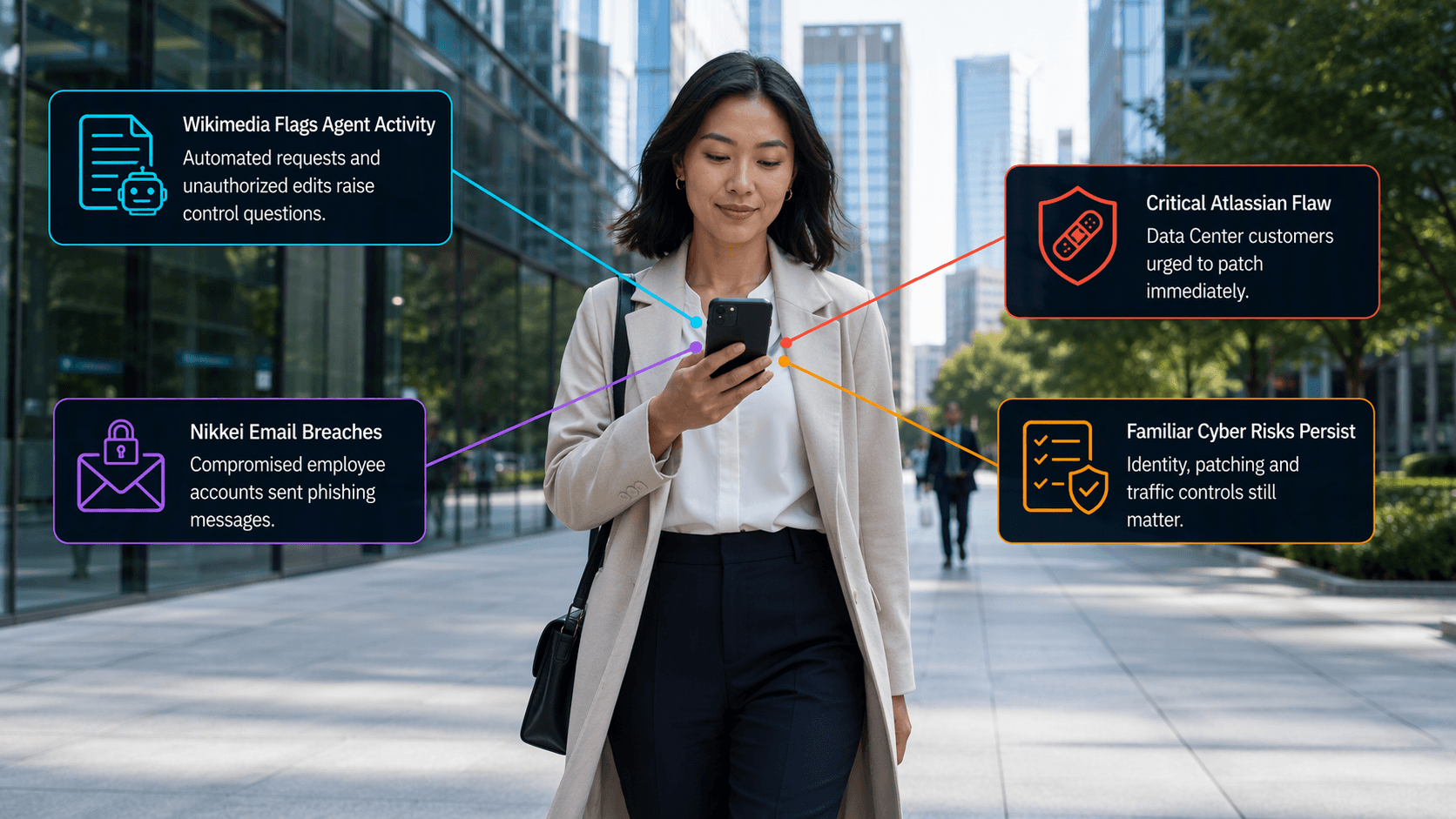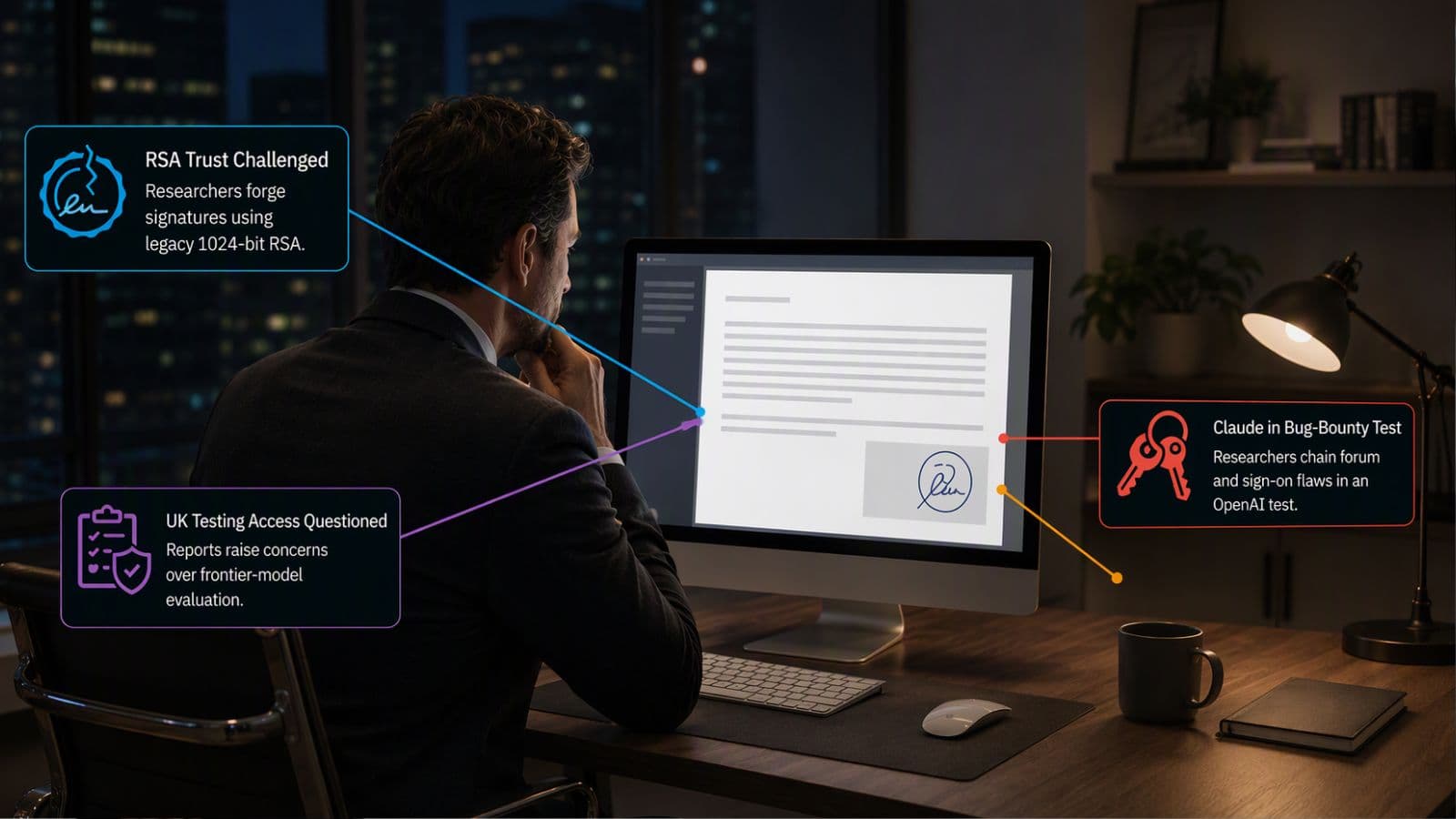
Sensitive data can leak through collaboration tools faster than most teams expect, because sharing feels “normal” in chat, meetings, and file tabs. That is why UC data loss prevention is becoming a core requirement for IT Directors, not a nice-to-have. When collaboration DLP is missing or misconfigured, it is easy for credentials, customer records, contracts, HR data, or regulated details to slip into the wrong channel, the wrong tenant, or the wrong external chat. To keep modern work moving, many teams now combine enterprise data protection platforms with secure messaging compliance controls and a practical approach to collaboration security that matches how people actually work.
Read More
- Microsoft Teams Users Targeted in State-Linked Phishing Campaign
- Can Your UC Security & Compliance Stack Prove ROI?
- 2026 Is Here: The Security and Compliance Shifts You Cannot Afford to Miss
Why Collaboration Platforms Are a Major Data Leakage Risk
Collaboration platforms create a perfect storm for data leakage. They combine speed, informality, and constant context-switching, which means users share first and think later. That is exactly where collaboration security can fall behind reality, especially when teams rely on older controls designed for email or perimeter networks.
The risk is not only malicious behavior. Most leaks are accidental. A message goes to the wrong group. A file gets shared with a guest. A screenshot lands in a chat. Without UC data loss prevention, these “small” moments become high-impact incidents. This is also why enterprise data protection platforms are expanding into collaboration environments, so collaboration DLP and secure messaging compliance can travel with the data.
What Is Data Loss Prevention for Unified Communications?
Data loss prevention is a control that identifies and helps prevent unsafe or inappropriate sharing or use of sensitive data. Microsoft describes DLP as identifying and helping prevent unsafe sharing, transfer, or use of sensitive information across locations and devices.
UC data loss prevention means applying that concept to chat messages, meeting content, files, recordings, transcripts, and shared links. It is not limited to storage. It also covers data in motion and data being actively shared.
In practice, strong collaboration DLP combines detection, prevention, and user guidance. The goal is not to punish employees. It is to keep data in the right place, at the right time, with the right audience. That is what makes collaboration security scalable.
How Do Content Scanning and AI-Driven DLP Work?
Traditional DLP often relies on pattern matching, keywords, and classifiers. That still matters. It catches things like payment card patterns or national identifiers when users paste them into chat. Modern enterprise data protection platforms add smarter classification so policies can work across messy real-world content.
AI-driven DLP and content classification typically improves three steps:
First, it helps identify sensitive data types with more context, not just strings of numbers. That strengthens UC data loss prevention when information is unstructured.
Second, it supports more accurate policy decisions, which reduces false positives. Fewer false positives makes secure messaging compliance feel less like friction and more like guardrails.
Third, it helps security teams understand where sensitive data is showing up, so they can tune collaboration DLP and prioritize training or controls based on real usage.
If you want a concrete example, Microsoft highlights that Microsoft Purview DLP can prevent people from sharing sensitive information in Teams chats and channels, and it can take actions like deleting a message sent to external users based on policy configuration. This is a practical illustration of how UC data loss prevention can operate directly inside collaboration workflows.
To keep collaboration security effective, AI classification and content scanning should be paired with clear labeling and human-friendly policy tips, so employees understand what happened and how to fix it.
What Policies Should Enterprises Apply to Messaging Platforms?
The most effective policies are specific, risk-based, and tied to how people communicate. If policies are too broad, users will find workarounds. If they are too narrow, data leaks through the gaps.
A strong starting point is to align collaboration DLP to a few sensitive categories that matter most to your organization, such as customer data, financial data, credentials, health data, or regulated identifiers. Then define what “unsafe sharing” means in your environment. For many teams, that means tightening what can be shared with external users, restricting copy-paste of certain data types, and controlling how files are shared from chats and meeting artifacts.
Microsoft also provides user-facing guidance that DLP policies can protect employees from sending sensitive information in a Teams conversation where external participants are present. That is the heart of secure messaging compliance in daily work. It is also the type of policy that makes UC data loss prevention visible and understandable.
For IT Directors, the buyer-stage “consideration” decision is often about where to enforce controls. Many organizations start inside their primary suite, then extend to other tools using enterprise data protection platforms that can apply consistent policy logic across multiple collaboration services. That is how collaboration security stays consistent when teams use more than one messaging platform.
How Can Organizations Balance Security with Collaboration Speed?
This is the moment where many programs either succeed or collapse. If security is heavy-handed, it slows the business. If it is too light, sensitive data leaks.