

For the past two years, one of the most reliable ways into a corporate network has started with a flooded inbox and a friendly message in Teams. Moments after an employee’s email fills with hundreds of junk subscription confirmations, an account calling itself “IT Support (Internal)” opens a chat offering to sort out the problem, and before long the employee is reading out a Quick Assist code to a stranger. Microsoft first documented the playbook in the Black Basta campaign in May 2024, and its threat intelligence team returned to it in April this year with a detailed breakdown of cross-tenant help desk impersonation that ended in data exfiltration.
Microsoft is now turning AI on the problem inside Teams itself. In Message Center notice MC1519866, published on 21 October, the company confirmed that Teams will use context-aware detection to identify phishing, social engineering, impersonation and deceptive intent, starting with chats from external contacts reaching out for the first time. Targeted Release begins in early November and runs until the middle of the month, with worldwide general availability following in early to mid-December, and admins won’t need to change any settings to switch it on.
How Teams AI Phishing Detection Works in External Chats
Most of the protection Teams has offered against phishing so far has focused on what a message carries, scanning links and attachments for known threats. The new capability looks instead at what the conversation is trying to get the user to do, which is where help desk impersonation scams tend to give themselves away. Microsoft says the detection is built to catch:
suspicious behavior that may not include traditional indicators such as malicious links or files
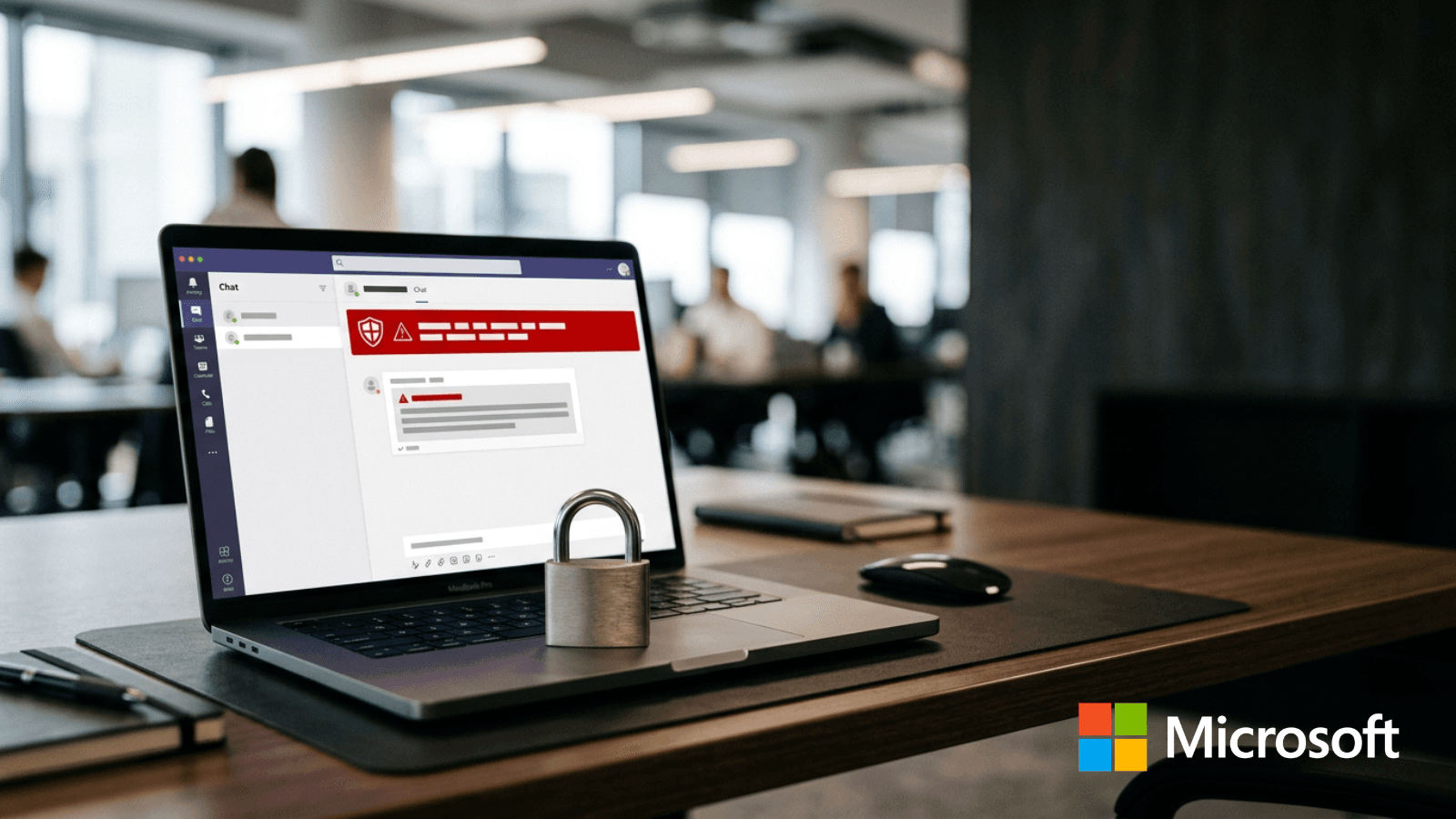
Microsoft’s support guidance explains that detection covers one-to-one and group chats with new external contacts across desktop, web and mobile, with a warning appearing in the chat when Teams flags a message. In the early weeks, detection may run in the background without showing users anything while Microsoft validates its quality, so organisations in the first wave may not see warnings straight away. Microsoft has also said that message content is not retained for model training or other secondary uses, an assurance compliance teams in regulated sectors will want to see in writing before an AI model starts reading their external conversations. Mobile users in China will get additional protection that extends to chats within their own organisation, reflecting fraud patterns Microsoft has seen in the region.
Why Teams External Access Has Become a Phishing Target
The rollout lands days after research from Arctic Wolf Labs, published on 26 October, which analysed more than 400 incidents in which attackers used Teams external chat for impersonation scams or to deliver malicious files. Between 30 and 40 percent of those cases involved default onmicrosoft.com tenants, which require no verification and can be set up in minutes, and once a victim engaged, attackers typically reached payload execution in under 15 minutes. The attacks don’t rely on any software vulnerability, because Teams ships with external access switched on by default and the attackers are simply using the feature as it was designed.