Hybrid work succeeds or fails on the everyday details, and workplace device strategy is one of the biggest “silent” dealbreakers. A smart plan for hybrid work devices reduces friction across home, office, and travel. The goal is a consistent, secure experience that employees trust. That is why buyers now treat enterprise device management as a foundation, not an afterthought.
When hybrid workplace technology feels seamless, it supports productivity and meeting equity. When it doesn’t, it turns into dropped calls, messy setups, and a scattered digital workspace that drains time and patience.
Read More (Devices & Workspace Tech)
- Jabra PanaCast U30 Review: BYOD Video Bars for Small Rooms
- Workplace Device Performance Analytics: What to Measure and Why
- Are Personal Devices Replacing Meeting Rooms? What It Means for IT
What Devices Are Needed For Hybrid Work?
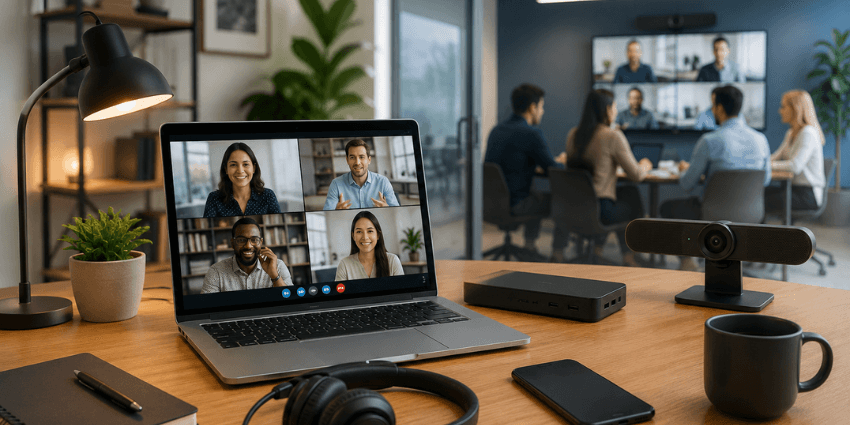
Hybrid work devices are not “just laptops.” They are a continuity layer. They help people move between locations without losing momentum.
A practical hybrid baseline usually includes:
- A primary compute device (laptop, or tablet plus keyboard for some roles).
- A reliable headset for calls and focus work.
- A webcam option that works in poor lighting and tight spaces.
- A mobile audio path for on-the-go work (earbuds, noise reduction, or both).
- At least one “room experience” option, depending on how your office runs meetings.
Here’s the trap: many companies buy a great laptop, then ignore the rest. That creates a mismatch. Employees spend time fixing issues that the strategy should have solved.
If you want a reality check, look at meeting pain. The smarter mindset is role-based. A call-heavy employee needs different gear than a field worker. A designer needs different performance than a contact center supervisor. Hybrid work is not one job. So your device strategy should not be one bundle.
How Do You Build A Device Strategy?
A hybrid-ready workplace device strategy starts with one question:
“Where does work happen, and what must stay consistent?”
Most strategies fail because they assume work happens in one place. Usually the office. Hybrid breaks that assumption. People bounce between home, office, client sites, and travel days.
Design around these five principles.
1) Standardize the experience, not the exact device.
Standardization should mean consistent audio, video, logins, security, and support. It does not always mean identical hardware. Consistency is the output. Devices are the input.
2) Build “transition moments” into the plan.
Hybrid friction often shows up mid-transition. Think: joining a meeting from a different laptop, or switching locations between calls. Your strategy should make transitions easy.
3) Treat meetings as a device ecosystem, not an app.
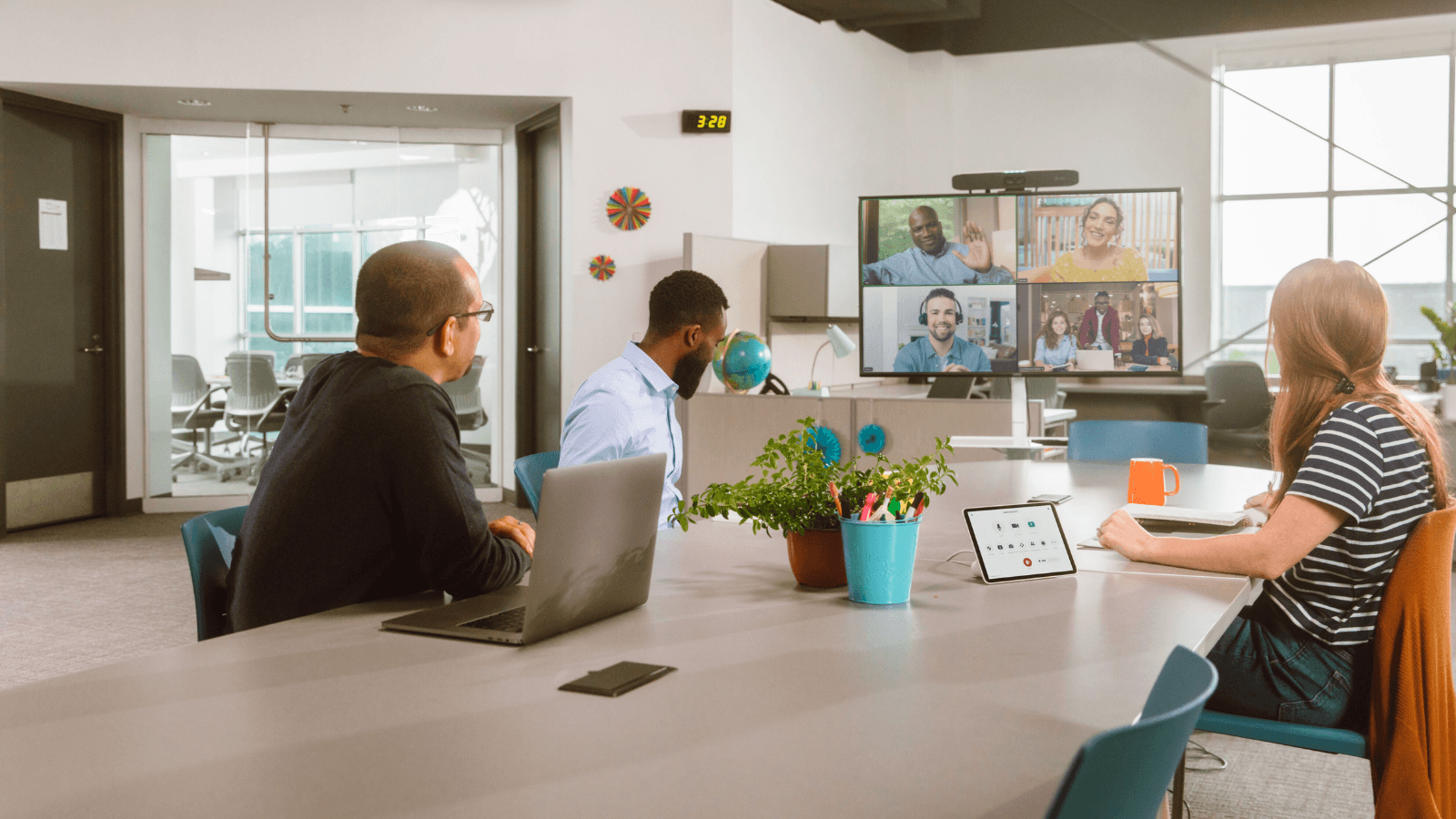
Teams and Zoom do not solve meeting equity alone. Cameras, mics, room layouts, and BYOD support matter. Barco defines meeting equity as ensuring remote participants get an equivalent experience to those in the room.
4) Decide your BYOD line, then manage it properly.
If personal devices are part of the plan, your security model must match. If they are not, your employee experience model must match. “Unmanaged BYOD” is not a strategy. It is wishful thinking.
5) Measure performance like a product team would.
If you do not measure device experience, you cannot improve it. That is why performance analytics is becoming part of workspace planning, not just IT troubleshooting.
This is also where buying committees get real. A “great device” that cannot be managed, patched, or secured at scale becomes a long-term risk.
Buying for rooms at scale? Here’s a practical comparison of Cisco vs Logitech meeting rooms for 2026
What Is Enterprise Device Management?
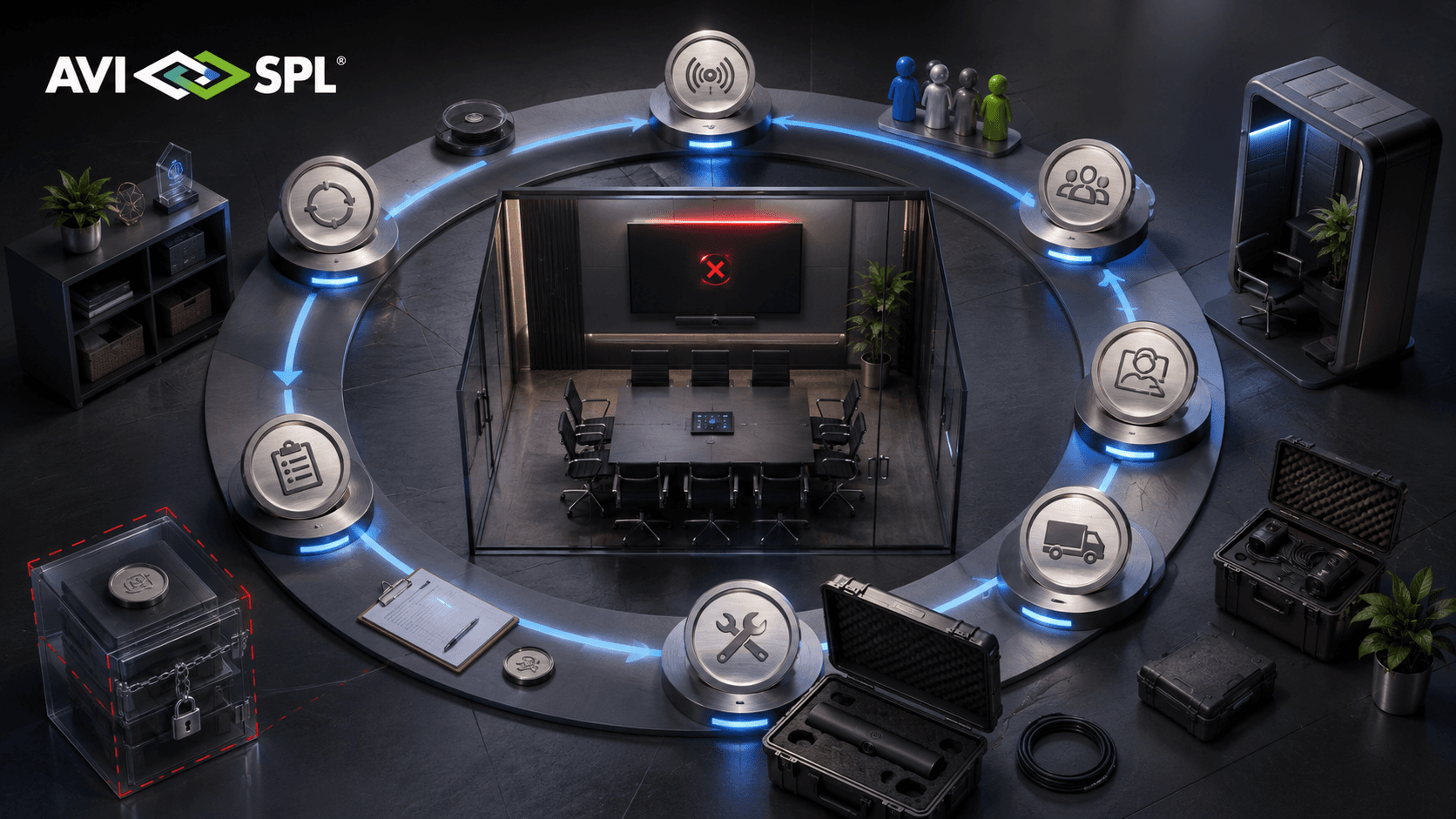
Enterprise device management is how an organization deploys, configures, patches, secures, and supports devices across locations and operating systems.
Gartner defines endpoint management tools as platforms that provide things like configuration management, patching, and deployment for computers and mobile devices.
In practical terms, enterprise device management answers questions like:
How do devices arrive ready to work on day one?
How do you enforce security without breaking productivity?
How do you keep software current across thousands of endpoints?
How do you support mixed fleets across Windows, macOS, iOS, and Android?