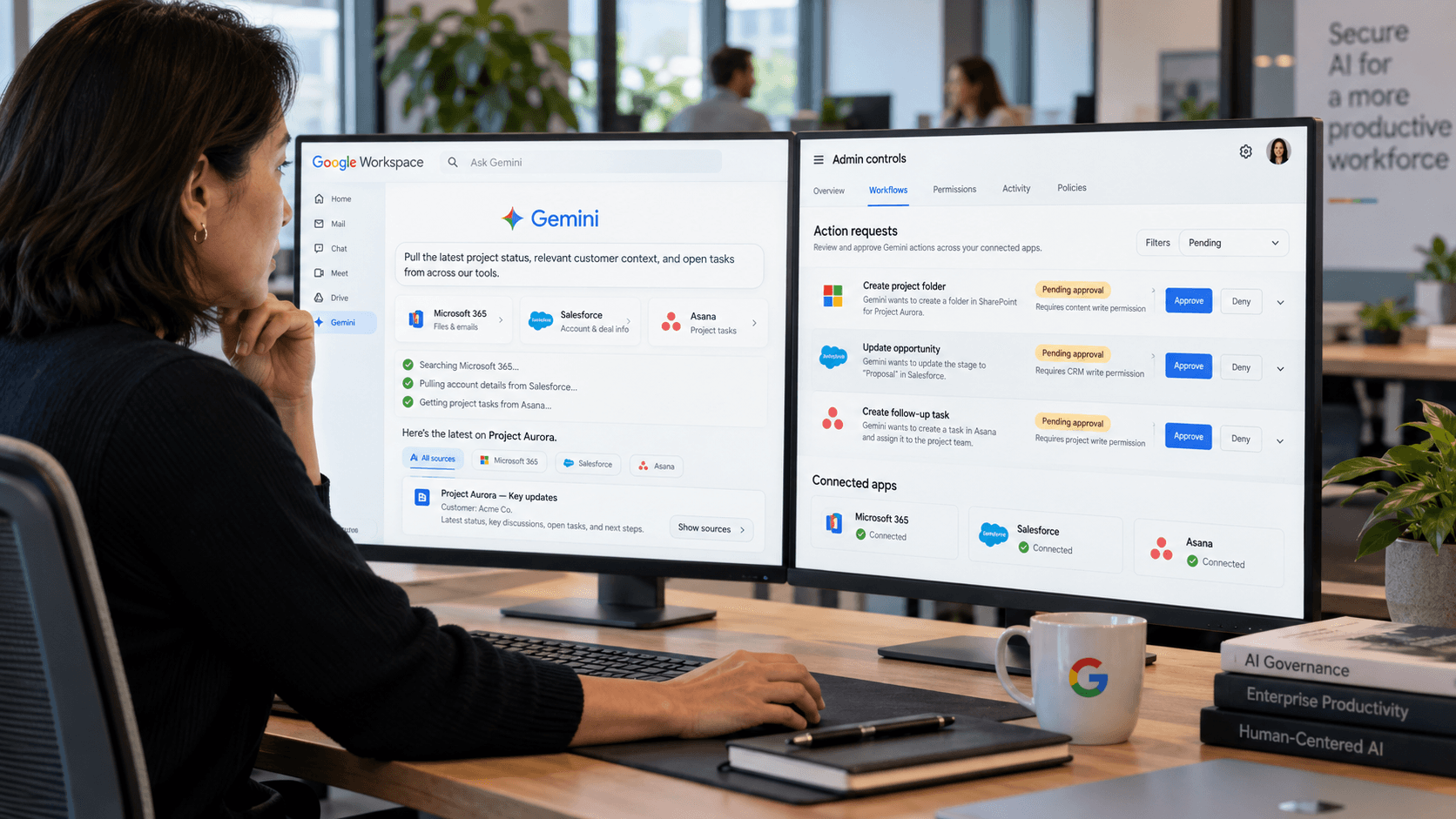
If you missed it, Google added seven new Gemini MCP integrations to Workspace on September 15, 2026, connecting Gemini with Asana, Atlassian Rovo, HubSpot, Mailchimp, QuickBooks, monday.com, and Salesforce.
The idea the company’s building towards right now? Let users reach information
“without needing to switch tabs, download files, or interrupt workflows.”
Sounds like a good idea, really, and it’s worth saying this is more than another convenience update. Gemini is dragging business data into the Workspace apps employees already use, with connectors enabled by default for eligible users and admins controlling access by domain, organizational unit, or group. There’s a move beyond retrieval now, too.
Workspace Studio’s September 17 update added custom starters, webhooks, workflow steps and action-capable integrations with tools including Asana, Jira, Salesforce and Slack. Google even uses adding a Jira comment as an example. Gemini’s Workspace connectors bring project context in; Studio can already trigger and change work elsewhere.
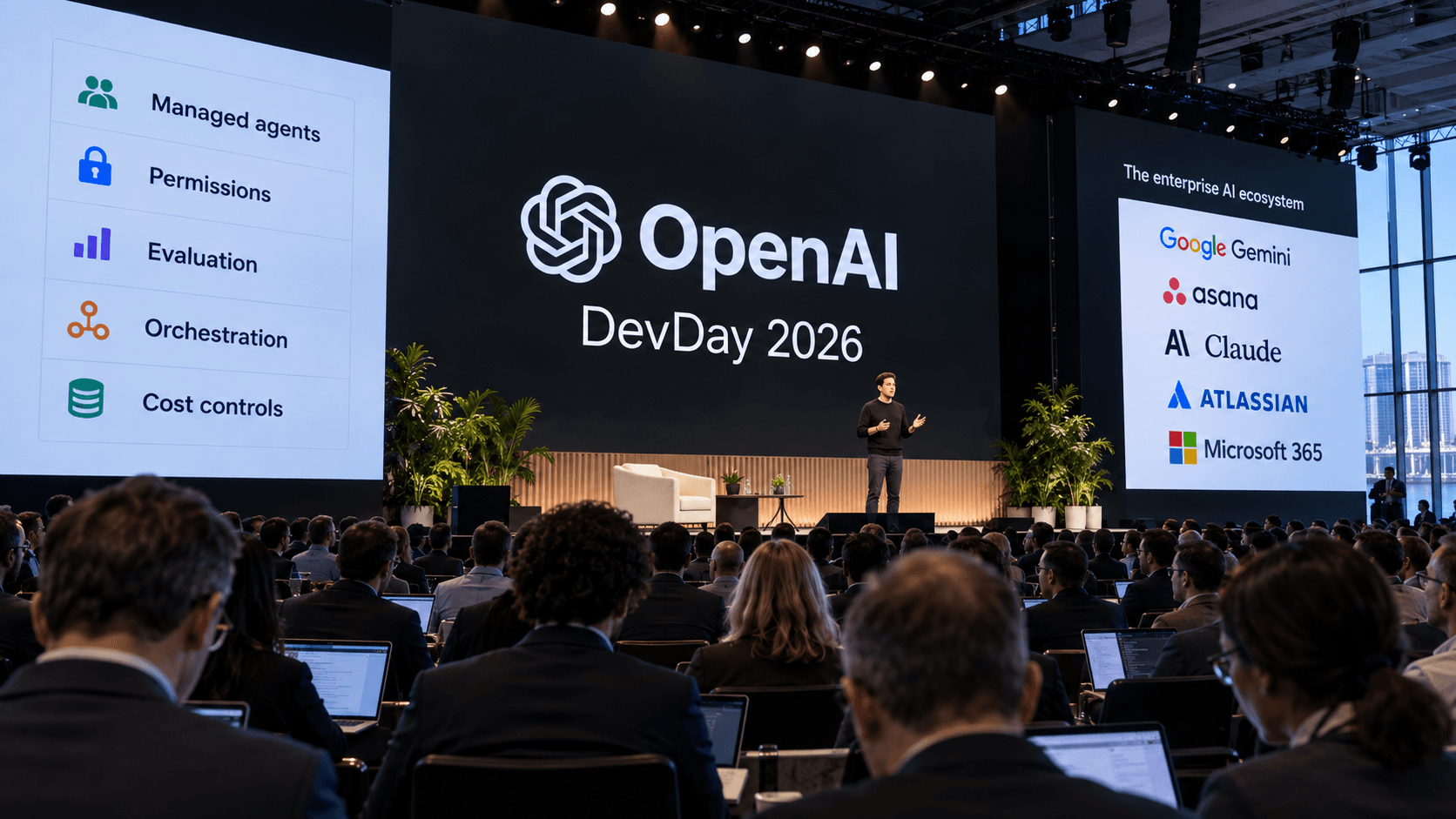
Alongside Asana’s 30-plus AI Teammates and Gemini Enterprise’s expanded Microsoft 365 actions, that makes Model Context Protocol (MCP) seem far more important heading into October. It’s helping separate where work lives from where people ask for it, leaving project-management vendors with a harder question: who owns the workflow when the interface, context, and authority can sit in different places?
What Are Gemini’s New Third-Party Connectors in Google Workspace?
The new Gemini in Google Workspace connectors let users pull live information from Asana, Atlassian Rovo, HubSpot, Mailchimp, QuickBooks, monday.com, and Salesforce without leaving Google’s work apps.
That could mean you start your day by asking Gemini which Asana tasks are due first, then you pull up a Jira issue through Rovo, and check an open Salesforce opportunity all from the same workspace. It’s not totally seamless yet, Google said; for now, the integrations only support read actions. That means Gemini can find information, but it can’t change a Jira issue, update a monday.com board, or edit Salesforce data automatically, yet.
Really, though, that makes a lot of sense for the first wave of MCP integrations. Google’s starting with context, where the risk is lower, while Workspace Studio handles a separate class of action-heavy workflows. That’s a good move at a time when concerns about AI risks are ramping up.
Google’s also already expanding its integration web beyond the original seven, too. On September 23, Google added Connected Apps including Airtable, Linear, monday.com, PandaDoc, and Zoho, explicitly pitching project management as a Gemini use case.
Notably, though, the September 23 Connected Apps wave isn’t a uniform enterprise rollout. Google says availability varies by account type, location, language, device, and Gemini surface, and several of the newer apps are still limited to personal accounts or particular markets. Still, it’s a good look at what Google is heading towards.
What Is Model Context Protocol, and Why Does It Matter for Project Management?
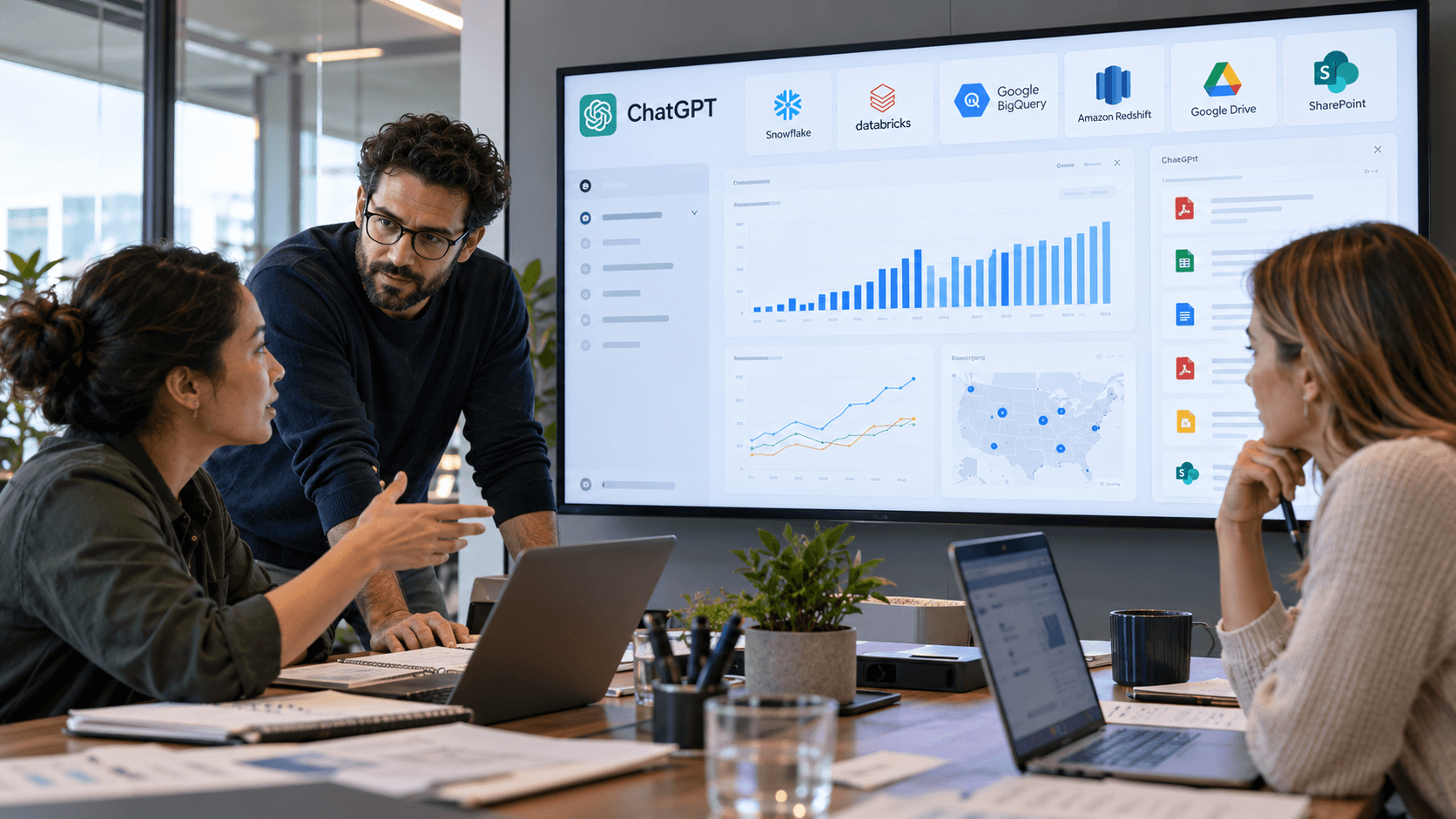
MCP is starting to feel like the “hot term” of the season right now. Model Context Protocol gives AI clients a common way to find the data and actions another application exposes. For project teams, that means assistants can reach into live work without every vendor building a separate connector for every AI tool.
Atlassian showed us how quickly AI-enhanced teams can move from access into execution. Rovo MCP v2 became generally available on September 8, followed by separate read and write tools for capacity planning on September 24. External AI interfaces can inspect allocations and manage work across projects, while admins control those permissions separately.
That’s already deeper than Gemini’s current read-only Atlassian access through Workspace. The interface and action layers are starting to split. MCP is also moving beyond developer plumbing. On September 14, the Linux Foundation-backed Agentic AI Foundation launched the first official MCP certification. Co-creator David Soria Parra described the goal as
“one open protocol instead of writing custom integrations for every system.”
ServiceNow takes the execution angle further, letting clients including Claude, Copilot and Gemini access governed workflows through its MCP Servers. Notion, similarly, lets outside agents work with workspace content through its own tools and permissions.
Google is pushing MCP further down the stack, too. Since September 24, Cloud API Gateway can expose existing REST operations as MCP tools while retaining authentication, quotas, and logging. Google Developers
Still, MCP doesn’t make every connection equal. Permissions, data quality, and business rules remain with the underlying platform.
Can Gemini Take Actions Inside Microsoft 365?
You bet! Gemini Enterprise for Microsoft 365 now goes well beyond search. Google’s September 18 release added public-preview actions across OneDrive, Outlook, SharePoint, and Teams, including moving and renaming files, updating SharePoint items, creating Teams channels and chats, and changing schedules or time-off entries.
Microsoft is opening the door from its side, too. Its Work IQ MCP server gives outside AI agents a single Model Context Protocol endpoint for Microsoft 365. Ten generic tools cover reading, creating, updating, deleting, and taking actions across resources such as email, calendars, files, and Teams messages.
Microsoft says the design uses “policy over scopes,” with tenant controls deciding which operations are actually allowed, and there’s an important safety default underneath. Microsoft blocks mutation operations in Work IQ MCP by default, including create, update, delete, and action requests. Admins have to enable supported write scenarios through tenant policy, on top of the signed-in user’s existing Microsoft 365 permissions.
Microsoft previewed a similar model on September 25, with rollout beginning September 30. Work IQ now brings Dynamics 365 and Power Platform business data into the same context layer, while reusable business skills bundle instructions and supporting resources for agents connected through MCP.
Proposed changes can also pass through approvals before the source record is touched. That’s very close to Google’s emerging split between shared context, reusable instructions, and controlled execution.
That makes the AI project management interface wars much more intricate than a Google-versus-Microsoft story. Google can now act inside parts of Microsoft’s estate, while Microsoft is packaging its own work context for other agents to use.
Who Owns the Workflow When AI Agents Can Use Jira, Asana and monday.com?
As AI pushes deeper into the work management space, workflow ownership is splitting apart. One vendor might own the employee’s attention, while another holds the project context, and a third decides whether the agent is actually allowed to change anything.
Atlassian’s a brilliant example. Rovo MCP v2 now exposes more than 20 additional Jira tools covering boards, sprints, comments, worklogs, dashboards, and project administration. Jira can also wire agents into Kanban or Scrum spaces, while its Delivery Agent reads live work and flags delivery risks. Google may provide the front door, but Jira increasingly wants to be where agents get assigned and governed.
Asana is protecting the context layer from another direction. Its 30-plus AI Teammates have their own permissions and audit trails, while Command by Asana connects release plans, meetings, code, and coding agents around one plan.
Asana CPO Arnab Bose said pretty clearly:
“Agentic coding needs an orchestration layer.”
The assistant may change, but both Atlassian and Asana want the plan, permissions and delivery context to remain inside their systems. Asana reinforced its position at the end of September, with the redesigned Automations builder that can act across tasks, projects and portfolios. There are also AI Studio steps that can use project or portfolio context to decide what should happen next.
What Happens When Project Platforms Let Every Assistant In?
Smartsheet may have the plainest answer of all: let the major assistants in and keep the work itself governed inside Smartsheet. Its MCP Server connects with Gemini Enterprise, ChatGPT, Copilot and Claude. By June, more than 22,000 users had generated three million AI actions, with nearly one in three creating or changing live work.
That now goes well beyond retrieval. Users can ask an assistant to build sheets, forms, reports, dashboards, and automations. Smartsheet’s scenario-planning tools can also check resource availability, reassign work and apply revised plans back to the source sheet.
Pratima Arora, Smartsheet’s product and technology chief, said:
“The problem most teams run into isn’t access to AI. It’s that their AI has no idea how their organization actually works.”
Smartsheet is working to address that. On October 2, it released the new update_workflow MCP tool that can fully replace an automation’s workflow definition, while the September 17 create_workspace_assets tool lets an agent build an end-to-end Smartsheet solution from natural language, including project and portfolio structures plus their workflows.
Linear and Monday.com make a similar argument from inside the project system. monday.com’s agents can monitor board activity and execute work inside defined guardrails. Linear’s Loops react to project and cycle changes, update documents, and send the follow-through into Slack.
monday.com’s pre-release Agents API treats agents as work orchestrators with a goal and execution plan, plus knowledge tied to boards and items. Linear’s September 14 Loops update can react to project or cycle changes, edit the relevant document, and push the follow-through into Slack; if a target date moves, Linear can update the launch plan without waiting for somebody to ask.