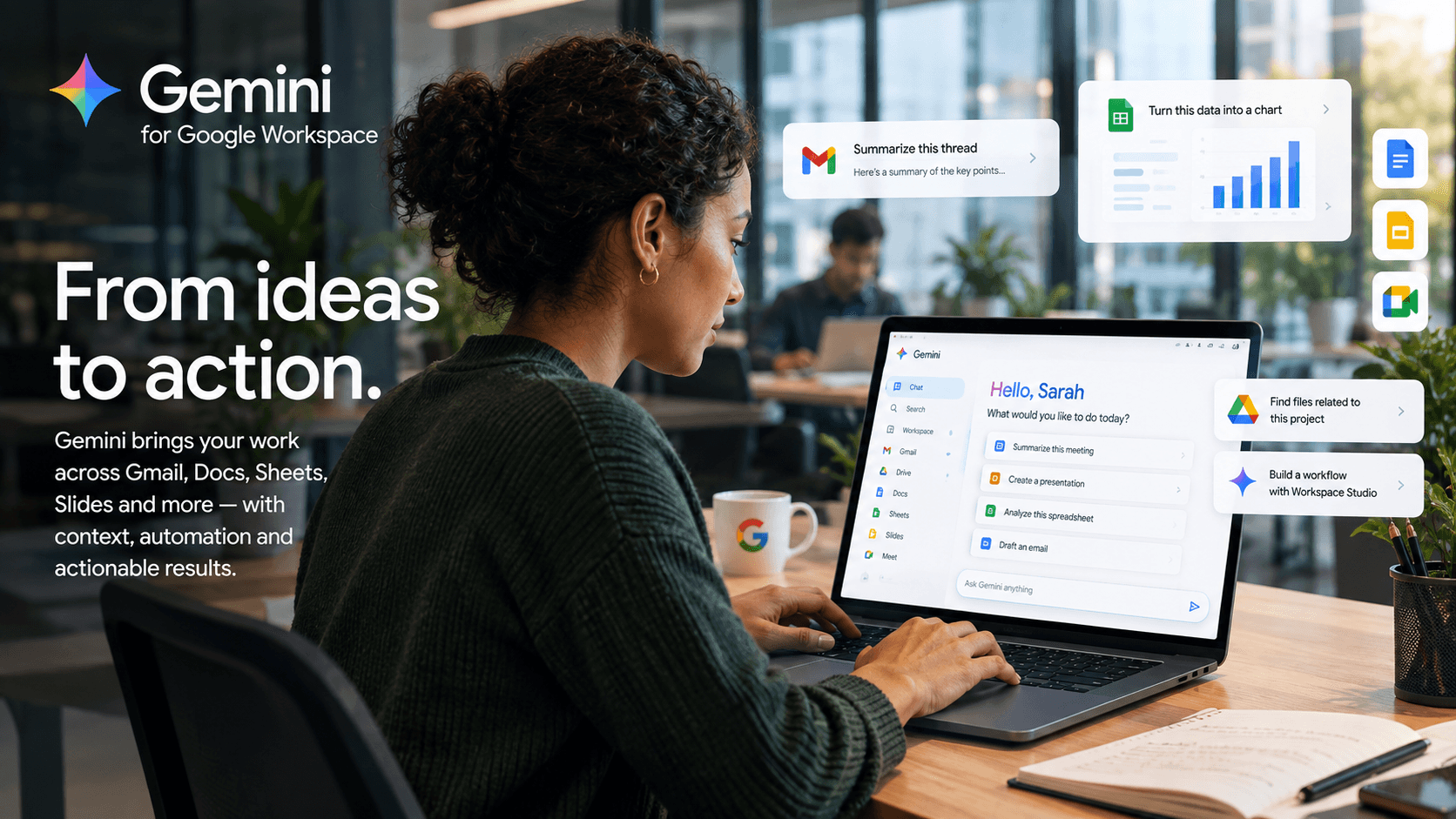
Gemini for Google Workspace is getting much bigger than meeting summaries and everyday advice, spreading outside of side panels and into everyday work. Across July and August 2026, Google has rolled out Ask Gemini in Chat, Workspace Studio skills, Sheets canvas, Gemini-powered Admin Assist, richer creation tools in Docs and Slides, and tighter controls for agentic flows.
Google’s got scale on its side. The company said in August 2026 that the Gemini app had crossed one billion monthly users, after hitting 900 million just three months earlier. Sundar Pichai called it Google’s fastest-growing product. Those numbers don’t tell us how many people use Gemini for Google Workspace, but they do suggest a lot of workers won’t need much introduction to the assistant.
Workspace is where Google gets to turn that familiarity into something more useful. Workspace Intelligence can give Gemini context from the work around an employee. Ask Gemini in Chat brings AI into collaboration, while Workspace Studio turns instructions and company knowledge into repeatable workflows. Gemini is also reaching deeper into Docs, Sheets, Slides, Forms, Vids, and administration.
The question for teams right now is whether all of these connected capabilities can remove enough searching, rework, handoffs, and administration to make Gemini a genuine platform copilot.
TL;DR: Is Gemini becoming the ultimate workplace copilot?
- The freshest Gemini for Google Workspace story is broader than meeting notes: August brought new collaboration, automation, admin, data, and governance capabilities across the platform.
- Ask Gemini in Chat, Workspace Studio skills, and Sheets canvas push Gemini further from one-off assistance toward context-aware work that can be reused or acted on.
- Workspace Intelligence is the connective tissue, giving Gemini a wider view of email, files, chats, calendars, projects, and company knowledge.
- Google’s public outcome proof is still broader than many of its newest features, so buyers should measure net work removed rather than feature usage alone.
What Changed in Gemini for Google Workspace This Summer?
The biggest recent change is AI coverage. Google’s July and August 2026 releases moved Gemini deeper into collaboration, content creation, data work, administration, and automation. Meeting intelligence is still part of the picture, but the newer story is a Workspace-wide AI layer that can understand context, create work, and even act on it.
Ask Gemini in Chat began rolling out on August 26, 2026, as what Google calls a unified command line for work. Powered by Workspace Intelligence, it can search Gmail, Drive, and Calendar, catch users up on discussions, create content, and manage tasks or meetings without making them leave Chat.
The August 26, 2026 Workspace Drop also added reusable Workspace Studio skills. Teams can build prompts around their own rules, templates, and reference files, then use them across Gmail, Docs, Slides, Drive, and Chat. Google paired that with new agent access management and DLP controls for Studio flows.
Sheets canvas, released in August 2026, can turn spreadsheet data into interactive, read-write mini-apps from natural-language prompts. There’s also in-person Take Notes for Me, which is useful evidence that conversation context is now one input into a much wider Workspace AI layer.
Admin Assist, announced August 17, 2026, brings Gemini into the Admin console too, helping super admins work through settings and policy issues. Google clearly doesn’t want Gemini living in a chatbot tab employees have to remember to open. It’s putting the assistant where the work already happens.
Key Takeaways
- Google’s most important summer updates spread Gemini across work surfaces, rather than concentrating the story in one feature such as meeting notes.
- August 2026 is especially important because Google added action, reuse, and governance at the same time, which makes the platform-copilot story more credible.
How Is Gemini Changing Everyday Work Across Workspace Apps?
Gemini is getting more useful for users that want to change the work in front of them. Recent Workspace updates let Gemini generate complete presentations, act on document comments, create visuals, build quizzes from Drive files, and turn spreadsheet data into interactive tools.
The July 29, 2026 Workspace Drop is a good example. Gemini in Slides can generate an editable deck from a prompt while using Docs, Sheets, PDFs, or previous presentations for context and style. In Docs, Gemini can synthesize comment threads and suggest edits for approval. It can also generate or revise images, diagrams, and infographics without sending users to another tool.
Google has pushed the same idea elsewhere. Help me create in Forms can generate quizzes from prompts and Drive files. Sheets canvas can build dashboards or workflow boards over live spreadsheet data, while Vids keeps expanding AI-assisted presentation and video creation. There’s even the Spark AI agent on Mac. Together, those updates cut more setup work around everyday collaboration.
There is useful outcome evidence, too. In Google’s March 2026 Docusign case study, 67% of surveyed participants said Gemini saved them one to four hours a week and 80% reported a positive effect on their working lives. Still, a separate NotebookLM-supported review workflow cut preparation time by 90%, so that figure shouldn’t be treated as proof for every Gemini feature.
Key Takeaways
- Gemini’s productivity story is becoming cross-app: creation, editing, analysis, and collaboration are increasingly happening inside the Workspace surfaces employees already use.
- Google has credible broader productivity evidence, but buyers should still avoid attaching one customer outcome to every new Gemini feature.
Check out the latest data on AI productivity and automation ROI here.
How Is Workspace Intelligence Turning Gemini Into a Whole-Platform Copilot?
Workspace Intelligence is what makes Google’s recent releases feel more connected. Google introduced it in April 2026 as a context layer that connects emails, chats, files, projects, collaborators, and organizational knowledge. The August rollout of Ask Gemini in Chat gives that context a much more visible place to work.
Ask Gemini can search Workspace data, create updates or images, catch people up on discussions, and manage tasks and events from Chat. Google has also described connections to Workday for HR, as well as Asana, Jira, and Salesforce.
Drive is part of the same architecture. AI Overviews, Ask Gemini, and Drive Projects are designed to organize related files and emails so people and Gemini have more of the backstory. AI Inbox in Gmail takes a similar approach by surfacing suggested to-dos and topic summaries.
That’s probably Google’s strongest structural advantage. Workspace already contains a huge amount of day-to-day context, so Gemini doesn’t always need users to rebuild the story in a prompt. The risk is that more context also raises the cost of stale permissions or an AI action based on the wrong information.
Key Takeaways
- Workspace Intelligence gives Gemini more of the surrounding work to draw from, which is essential if Google wants it to operate as a true platform copilot.
- Ask Gemini in Chat turns that context into a shared collaboration surface, while third-party connections stop the story from being limited to Google-only workflows.
Can Google Workspace Studio Turn Gemini Into an Automation Layer?
Workspace Studio is where Google’s copilot story starts becoming an automation story. It already lets users build no-code flows that use Gemini to analyze content and handle multi-step work. August’s reusable skills make that idea easier to standardize, because teams can package their own instructions, templates, and reference material for repeated use across Workspace.
This will be valuable for proposals, status reports, or any recurring work tied to an approved format. Instead of asking every employee to become a better prompt engineer, a team can turn a good prompt into something reusable.
| Recent Gemini / Workspace move |
Date |
Why it matters |
| Workspace Studio skills + enterprise controls |
Aug. 26 / Aug. 17 |
Reusable team instructions meet agent access management, DLP, approvals, and auditability. |
| Ask Gemini in Chat |
Rollout starts Aug. 26 |
Puts Workspace Intelligence into a shared collaboration surface for search, creation, tasks, and scheduling. |
| Admin Assist |
Aug. 17 |
Brings Gemini into Workspace administration and troubleshooting, widening the platform beyond end-user productivity. |
| Sheets canvas + in-person notes |
Aug. 13 |
Shows Gemini expanding into interactive data work while meeting context becomes one input among many. |
Studio also feeds directly off collaboration. A flow can start when Notes by Gemini are ready, watch as many as 100 meetings, and use Repeat for each to split action items into individual tasks. Spark points further ahead toward longer-running agentic work, although its personal-account focus means enterprise buyers should still treat it as roadmap territory.
Key Takeaways
- Workspace Studio gives Google a practical bridge from Gemini assistance into repeatable, no-code automation inside the productivity suite.
- Reusable skills give teams a way to standardize how Gemini handles recurring work, which is far more useful at scale than asking employees to reinvent the prompt each time.
How Should Enterprises Measure and Govern AI-Powered Collaboration?
Judge Gemini by what employees stop having to do, then count the new risk and oversight it creates. Track time saved, corrections, decision-to-action speed, completed work, redundant software, and approval effort. Google’s newer reporting and Studio controls make that assessment easier, although the dashboard still won’t calculate the business case for you.
Google has started giving admins better visibility. An August 20, 2026 update added Chat activity to the Gemini reports dashboard, while Admin Assist puts Gemini-powered help inside the Admin console. Useful telemetry, but adoption should remain an input to the ROI story rather than the result.
Teams should get specific with the metrics: how often does someone correct Gemini, how many handoffs disappear, and how much software can a Studio flow replace? Current Studio limits also matter when modeling scale, including 25 flows per user, 20 steps per flow, and daily run limits. Ask Gemini in Chat also carries promotional higher limits only until October 1, 2026, after which standard usage limits apply.
KPMG’s Q2 2026 study of 2,145 senior leaders across 20 markets adds a useful reality check. Organizations with full visibility into AI operating costs were five times more likely to report established ROI, at 15% versus 3%. Review time, licensing, governance, and rework belong in the same calculation as time saved.
Google’s August security work is a positive sign, too. Studio now supports least-privilege OAuth scopes, audit logs, approvals for sensitive actions, DLP, and identity attribution. An admin dashboard can pause flows or revoke access such as Drive permissions. Those controls make agentic work much easier to govern deliberately.
Key Takeaways
- Track net work removed and the cost of correction, review, and governance. Raw Gemini activity is useful telemetry, but it isn’t ROI.
- Google’s latest Studio controls give buyers concrete acceptance tests around approvals, auditability, DLP, identity, and revocable access.
Is Google Gemini Workspace Building the Right AI Work Layer for 2026?
Google now has a more convincing whole-platform story than it did a few months ago. Gemini can create and edit across core apps, Workspace Intelligence supplies context, Ask Gemini brings that context into Chat, and Studio turns it into reusable workflows. The August governance work also addresses one of the biggest weaknesses in any move toward enterprise agents.
That doesn’t put Google in a category of one. Microsoft is pushing Work IQ and agents deeper into Microsoft 365, Zoom is linking conversation context to downstream systems, and rival assistants can increasingly work with Google data.
Julie Geller, principal research director at Info-Tech Research Group, told Computerworld in March 2026 that Google’s Workspace changes were incremental improvements that address real workflow gaps. The summer releases make that assessment look more important.
The remaining gap is evidence. Google’s case studies show broader Gemini productivity gains. There is still limited public proof isolating the net effect of newer capabilities such as Ask Gemini in Chat, Workspace Studio skills, or Sheets canvas at scale. Even so, the product direction is coherent: Google is moving Gemini from app-level assistance toward context, repeatable action, and governed automation.