
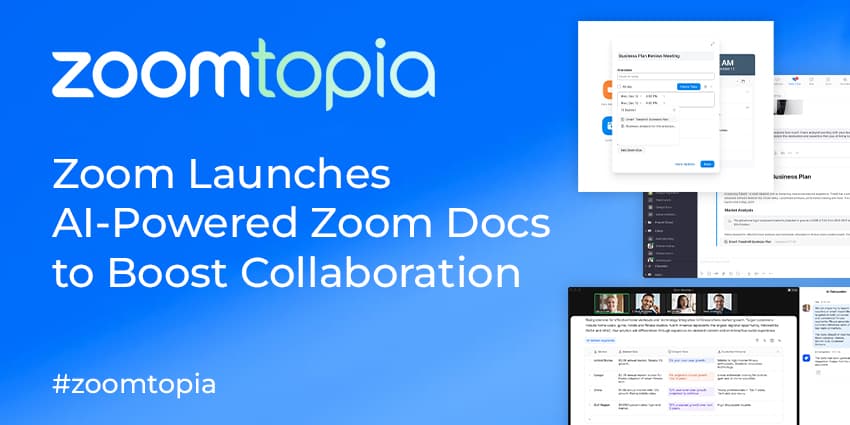
Zoom has launched its AI-powered solution, Zoom Docs, to enhance worker productivity and collaboration.
Announced at Zoomtopia 2023, Zoom says the collaboration workspace is "purpose-built to address today's hybrid working challenges". Its features include document and wiki creation and seamless workflow and project management processes.
Zoom AI is also built natively, enabling users to populate documents with content from Zoom meetings that can facilitate or inform creativity. Zoom AI companion can generate content, plans and projects by extracting critical information from previous discussions across the company's database.
Smita Hashim, Chief Product Officer at Zoom, said:
Hybrid work is hard enough, and the status quo for document creation and collaboration isn’t cutting it anymore. Zoom is helping our customers by bringing the definition of a ‘doc’ into 2023 — with powerful document authoring and collaboration capabilities, modern collaboration tools, and a next-gen workspace built from the ground up with AI at its heart; Zoom Docs is that solution."
The setup is managed within Zoom's platform, removing the need for app-switching between video conferencing and collaboration or project management platforms. The solution is modular and integrates with Zoom and third-party apps.
"With Zoom Docs, teams can work faster, all while minimising silos and being seamlessly integrated into the Zoom interface that users already know and love," Hashim added.
Zoom Docs is expected to be generally available in 2024.
Zoom Docs' Full Feature Set
One of Zoom Docs' most significant selling points is its AI-powered functionality. Users can galvanise content creation by asking the AI Companion to help edit or change document tones or brainstorm potential ideas. The solution can summarise or query content so users can quickly catch up on the essential details. AI Companion also identifies and extracts relevant information across Zoom Meetings and Team Chat, simplifying how users can share data across Zoom.
Users can use "content blocks" to illustrate this pulled information in customisable layouts and workflows. Table blocks allow users to organise data, oversee projects, track tasks, and monitor schedules as represented by grouping, filters and columns.
Users can combine company knowledge via wikis and shared folders. Users can create wikis to link all pages and embed them in a visual tree, enabling colleagues to see how information is connected. Users can also group pages into hierarchies to manage documents with folders, allowing a more thorough source of knowledge.


