
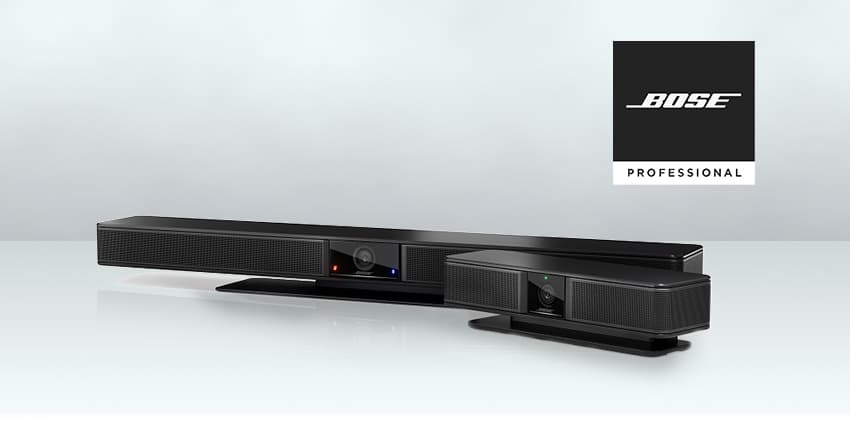
Cameras, loudspeakers, integrated rooms: videoconferencing hardware is now an essential component of every business communications stack.
It enables effective and efficient remote collaboration; empowering workforces to connect no matter where they are.
Feature-rich, high-quality functionality delivers a user experience akin to real, physical interaction: high-definition video, cutting-edge audio and smart-yet-simple set-ups combining to provide all-important meeting equity.
However, it is the hardware’s software that can really help to leverage it all.
It’s the often-differentiating, extra layer that elevates performance – an intuitive, easy-to-control ingenuity that brings added excellence to an already-brilliant product. When that kind of seamless fusion exists, that all-important user experience is significantly boosted.
That means picking a provider that checks all the boxes in the hardware and software categories, which can pay big dividends.
“Videoconferencing should be all about simplicity, convenience, and control – of course the hardware’s functionality and level of technological capability must be of the highest order, but the software smarts is where the magic can really happen,” says Eric Warner, product marketing manager at global-leading AV manufacturer Bose Professional, whose range of products and solutions – for both small-to-medium and enterprise-level businesses – is a potent example of that.
“Software should be simple to install, intuitive, and make sense to anyone. Everything should be listed right there, and installers and end users should not have to be an IT manager. Video meetings are here to stay, so it’s right that organisations do all they can to ensure their workforces enjoy the best possible user experience.”
In the case of Bose Professional, it offers customers three different pieces of software that support its Videobar VB1 and VB-S all-in-one USB videoconferencing solutions: configuration, administration, and mobile-device control.
All are free of charge (unusual in the AV sector) and easily downloaded from its website.
“Our Videobar Configuration software is used for the initial product setup,” says Warner.


