
powering productive workplaces
latest
Front page
NewsWorkspace Tech12m · 12:01 GMT · 4 min read

This Week: Teams Rooms, Google Beam, Holographic Displays

Owl Labs has packaged the Meeting Owl 5 Pro as a Teams Rooms system, Google Beam’s potential to improve remote conversations comes into focus, and Looking Glass has introduced a display that shifts between 2D signage and holographic content for shared workplace spaces

Meeting

Meeting-room technology is moving in two directions. Vendors are making familiar devices easier to deploy as fixed workplace systems, while also testing whether more immersive formats can improve the quality of remote interaction.

Owl Labs has packaged existing hardware for Teams Rooms, Google Beam raises questions about where three-dimensional calling is most useful, and Looking Glass is targeting shared workplace spaces with a display that can move between practical signage and holographic content.

Owl Labs Packages Meeting Owl 5 Pro for Teams Rooms

Owl Labs has introduced the Meeting Owl 5 Pro Room Kit, a $3,489 Microsoft Teams Rooms on Android package for small meeting spaces.

Available globally from 18 November, the system combines the existing Meeting Owl 5 Pro 360-degree camera, Owl Tablet touch controller and dedicated compute. Rather than relying on an attendee’s laptop to run a call, the room itself can join and host Teams meetings.

The November announcement changes the deployment model around an existing device. The Meeting Owl 5 Pro arrived earlier this year as Owl Labs’ enterprise-focused camera and later gained Microsoft Teams certification. In October, Owl Labs introduced the lower-cost, laptop-connected Meeting Owl 5 for bring-your-own-device rooms.

The new Room Kit gives the Pro a distinct role: a fixed Teams Rooms endpoint with one-touch control, instead of a peripheral dependent on a participant’s laptop for its meeting platform and compute.

“Our partnership with Microsoft Teams and this certification represents a major milestone for our company,” Owl Labs CEO Frank Weishaupt said.

“Enterprises and SMBs alike no longer have to choose between an innovative, immersive meeting experience and the security, simplicity, and manageability they need to deploy at scale.”

For small rooms, that could remove a common source of friction when the first person in the room must connect a laptop, select the correct peripherals and start the call. It also provides a more standardised endpoint for IT teams, with Owl Labs offering remote monitoring, support and lifecycle coverage through its Owl 360 Services subscription.

The camera hardware has not changed. The choice for organisations already using Meeting Owl 5 Pro in BYOD spaces is whether a native Teams Rooms experience justifies moving to an appliance-style system.

What Google Beam Still Has to Prove

Google Beam is designed to add depth and more natural eye contact to remote conversations. Whether that produces a meaningful workplace advantage will depend on the situations in which organisations use it.

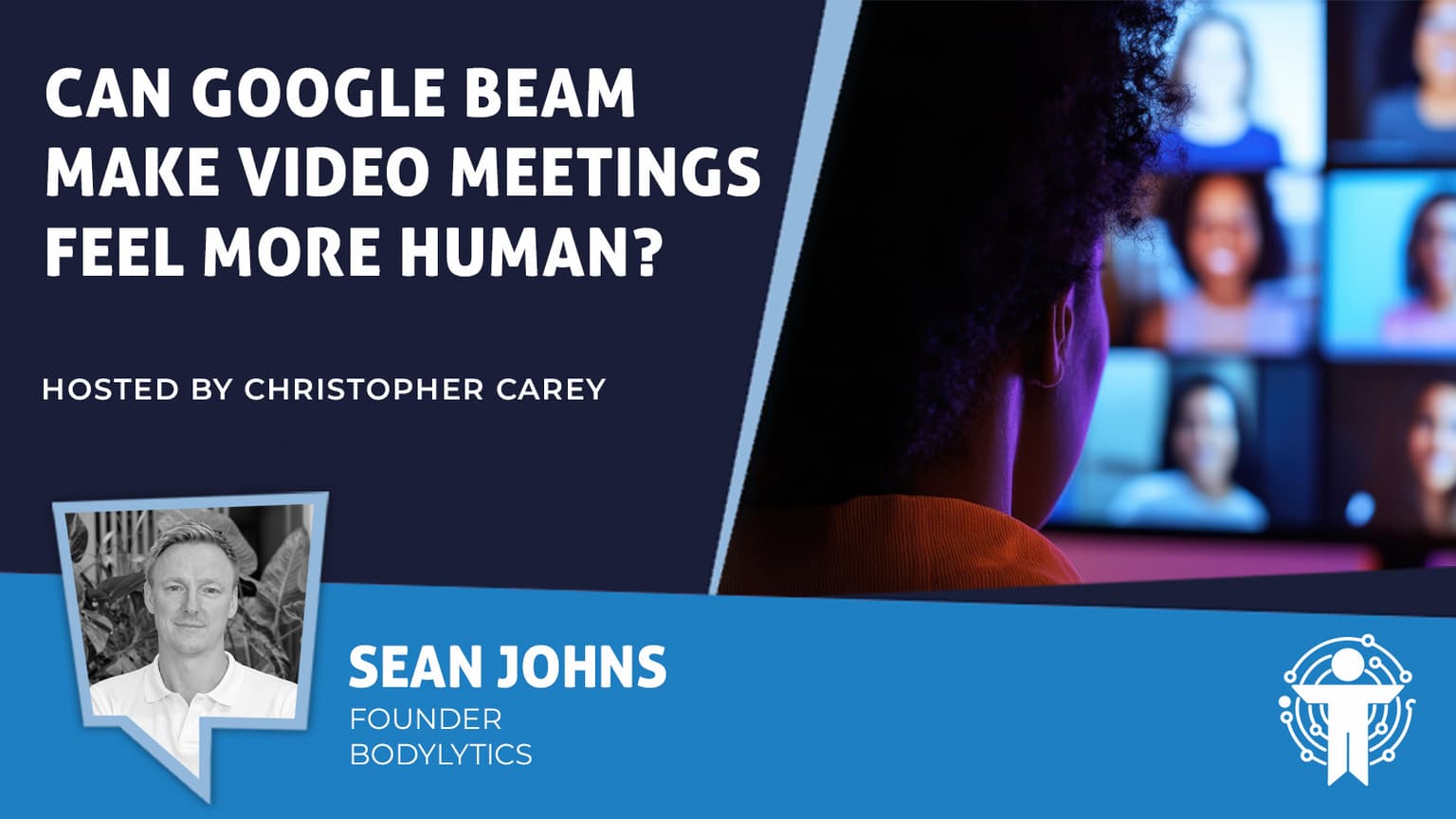
Sean Johns, former IT Director and Founder of BodyLytics, told UC Today that conventional video calls strip out visual cues because they generally show only a participant’s face and upper body.

“For most of us, it’s shoulders up,” he said. “So you lose a lot of body language gestures there.”
He also said video calls can distort the perceived distance between people. “You wouldn’t sit this close in a real-world interview,” Johns said. “If you’re sitting at a distance that we are now perceived to distance we are, we’re in what we would call in body language, the intimate zone.”

Beam’s format may address some of those issues in conversations where visual context and rapport carry particular weight, such as senior leadership discussions, negotiations or client meetings. But Johns said its value in larger meetings remains an open question.

“The biggest thing Google has yet to prove is the usefulness of this when it’s more than just a one-to-one application.”

That is the practical question for workplace teams considering Beam: not whether it creates a more realistic image, but which conversations are important enough to warrant a specialised room system.

Looking Glass Targets Shared Spaces With Switchable Displays

Looking Glass has introduced a 43-inch Hololuminescent Display that can switch electronically between a conventional 2D screen and holographic content while retaining native 4K resolution.

Built for spaces that need standard signage for much of the day, the display can shift into a more immersive format for selected content. Looking Glass has also partnered with Proto Hologram to offer ProtoOS by subscription, supporting live holographic communication and interactive experiences.

Reception areas, briefing centres, showrooms, events and training spaces are the clearest workplace settings. In 2D mode, the screen could show schedules, directions or corporate messaging; holographic mode could be used for product models, spatial visualisations or visitor-facing demonstrations.

Switching between the two formats matters because it avoids dedicating a display permanently to a specialist experience that might only be used occasionally.

Content remains the more difficult challenge. Businesses will need a repeatable communications or training use case if the display is to become more than a high-impact demonstration tool.

In Other News

Peerless-AV has added two on-wall Refinio Credenza AV storage options for modern meeting spaces. The 2RU and 4RU cabinets provide secure equipment storage, cable management and access to 19-inch rack-mounted hardware.

Google will require Android apps to meet baseline foldable-support standards from April 2027. Developers that do not comply risk reduced visibility or losing the ability to publish and update apps through Google Play.

rate this story
helps rank stories across uc today
Join the conversation

Does this reflect your experience?

opening the room…