Microsoft Teams is among the most popular chat-based collaboration platforms in the world. As of January 2022, it had 270 million monthly active users. One reason Teams has proved so popular is its wide range of functionalities. In addition to a simple chat, voice, and video interface, users can also install various applications that help in their daily tasks. In other words, Teams offers a complete collaboration experience, enhanced by the extensive controls available during Teams meetings.
How to Share Screen Control in Microsoft Teams?
Microsoft Teams is among the most popular chat-based collaboration platforms in the world. As of January 2022, it had 270 million monthly active users .
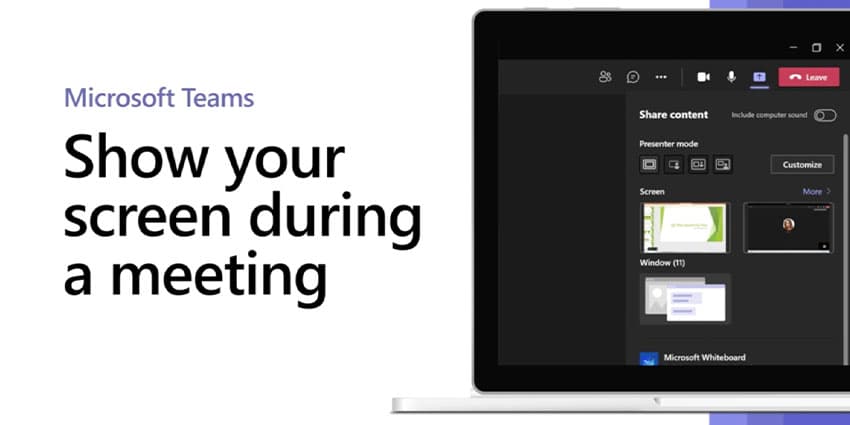
While almost every video conferencing tool supports screen sharing, Teams also lets users transfer the control of a screen to another meeting participant.
Sharing Screens in Microsoft Teams: A Full-Featured Experience
The screen sharing capability in Teams allows users to share their entire screen (applications, tabs, desktops, etc.), a particular window, a PowerPoint presentation, or a Microsoft-provided whiteboard. In addition to simply sharing the screen with others, one can also transfer control so that another meeting participant can make changes on the user's desktop.
In addition to the person presenting or sharing their screen, anyone can ask for sharing controls during the meeting.