
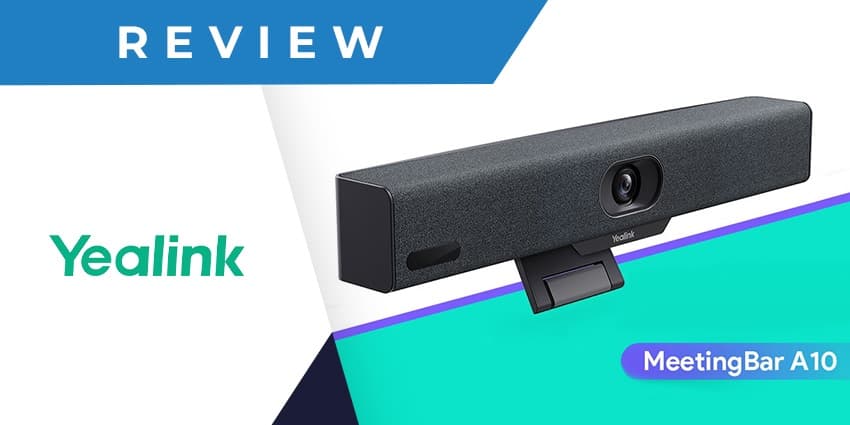
Yealink understands that improving collaboration in small spaces unlocks creativity and raises efficiency for businesses; this is where the Yealink MeetingBar A10, a powerful and simple collaboration solution, comes in.
The Yealink MeetingBar A10 makes native Microsoft Teams and Zoom meetings affordable in small spaces. With a price comparable to USB peripheral devices, the MeetingBar A10 brings a familiar Microsoft Teams or Zoom interface into the room. It also features an AI-powered video/audio and wireless meeting experience, making it the perfect choice for enhanced collaboration.
AI-Powered AV Features
The AI-powered AV features of the Yealink MeetingBar A10 are some of its most important features, including automatic framing, speaker tracking, smart gallery, noise cancellation, and full-duplex audio.
Automatic framing ensures that participants in a video conference are always in the frame, regardless of their position relative to the camera. Speaker tracking ensures that the active speaker is always in focus and, when more people are in the room, smart gallery helps people to see the group while focusing on the current and last active speaker.
Noise cancellation reduces background noise, making it easier to hear participants in a video conference. Full-duplex audio eliminates echo from the audio signal and passes the voices stably during the conversation, ensuring clear and distortion-free sound quality.
Native Experience
The MeetingBar A10 can integrate with both Microsoft Teams and Zoom, making it the perfect choice for businesses using both platforms. For companies that want an enhanced collaboration solution with a familiar interface, whether it is Microsoft Teams or Zoom, MeetingBar A10 is the best choice. What’s more, if a company starts with device mode, when it decides to use Microsoft Teams or Zoom platform in the future, the upgrade on the MeetingBar A10 will be seamless.
Plug-and-Share Wireless Sharing
Content sharing is simple with the wireless presentation pod WPP30: plug-and-share without further configuration steps. When working as a peripheral device, A10 supports a wireless connection with WPP30. Plug the WPP30 pod into the laptop’s USB-C port, and rich video and audio from A10 are shared immediately without the need for installing software or drivers.
Remote Management
With Yealink Management Cloud Service (YMCS), businesses can remotely monitor, control, and upgrade their meeting room devices. YMCS is a cloud-based service that allows businesses to manage a batch of devices at their fingertips, over the air.


