

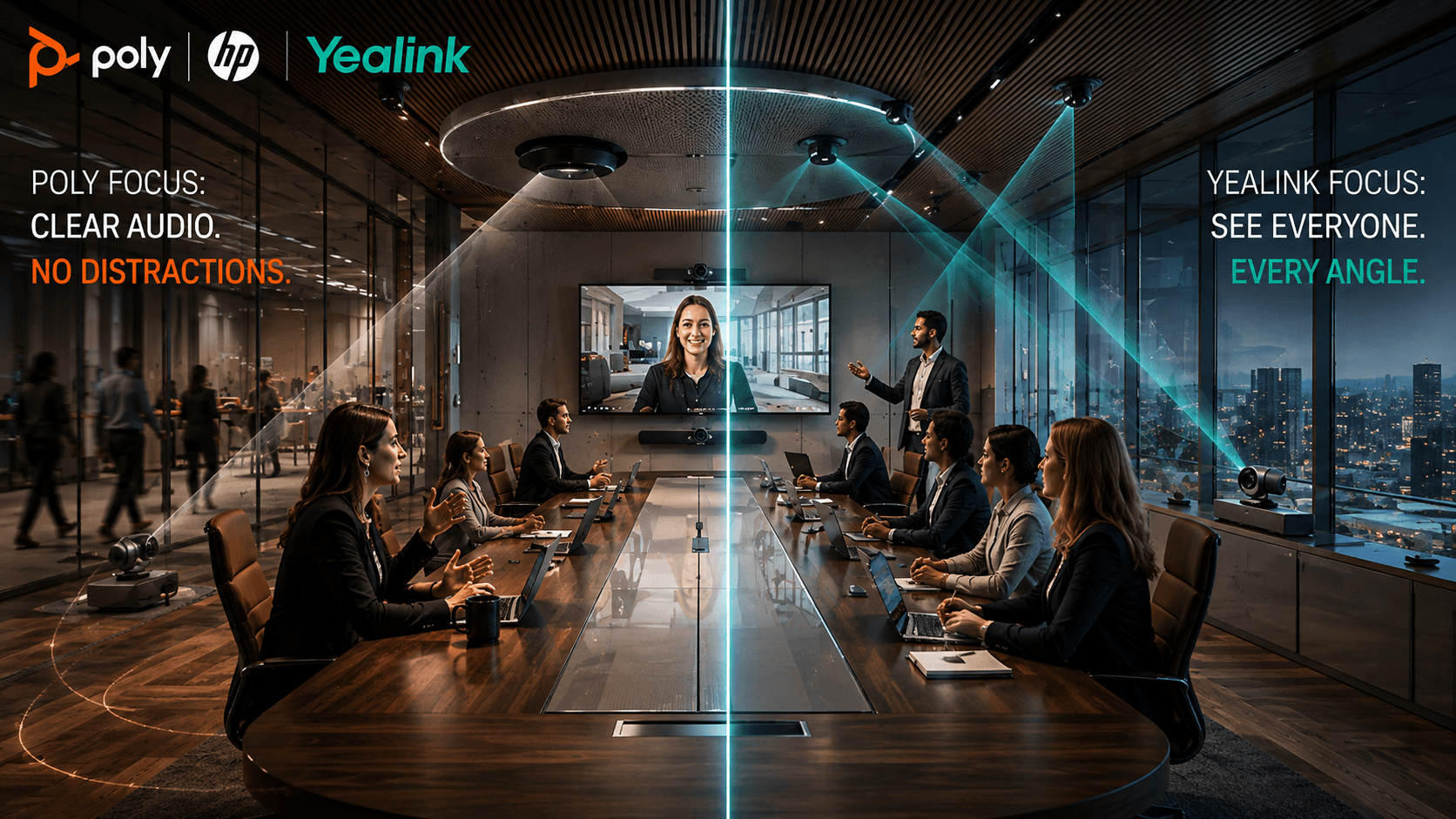
Poly and Yealink both used 2026 to make their biggest hardware moves yet in the Microsoft Teams Rooms market, and the two certified-device strategies could not look more different. This breakdown tests both vendors against the same five criteria enterprise buyers actually use: setup complexity, AI accuracy, pricing transparency, integration depth, and proven outcomes.
The Poly vs Yealink battle has been going on for a while now, and in 2026, it's arguably causing more conflict than ever, particularly as companies look to consolidate stacks, reduce complexity, and add AI wherever they can.
If you're buying Microsoft Teams Rooms hardware for a messy real estate footprint, Yealink has the stronger "right now" story. Its portfolio stretches across MeetingBar, MVC S80, MVC S98, SmartVision 80, MeetingBoard Pro, MTower, Teams-certified phones, Teams-certified headsets, and ProAV-style room builds. That helps when one office has three huddle rooms, another has a boardroom with terrible sightlines, and someone in finance still wants to know why the training room needs nine camera inputs.
Poly by HP wins a different argument. Poly Teams certified devices make more sense when the buyer already lives in the HP world and wants room hardware, headsets, phones, lifecycle planning, and analytics pulled into one managed estate. HP's 2026 Poly push around Studio Room Compute, VideoOS 5.0 and the forthcoming 5.1 release, Poly Studio V12, Poly Lens, WXP, Focus 6, Mission headsets, and its existing CCX Teams phones makes that story much harder to dismiss.
TL;DR - Poly or Yealink for Microsoft Teams Rooms in 2026?
- Room-Design Breadth: Yealink's MeetingBar, MVC S80/S98, SmartVision 80, MeetingBoard Pro, MTower, and ProAV pieces cover far more room shapes than a standardized product line can.
- Managed Control: Poly's Studio Room Compute, the forthcoming VideoOS 5.1 release, Poly Lens, and HP's wider Workforce Experience Platform reduce loose ends for IT across a standardized estate.
- Real 2026 Updates: Poly added Mission and Focus 6 headsets plus new room compute, while Yealink expanded its Teams room architecture, MP E2 phone roadmap, and YMCS integration with Microsoft Places.
- The Licence Tier Matters More Than the Badge: At around $40 per room each month, Teams Rooms Pro adds advanced meeting intelligence alongside stronger administration and security tools.
Related Articles:
- HP Poly InfoComm 2026: The Full Collaboration Overhaul
- Yealink Expands from Microsoft Teams Rooms to ProAV with End-to-End Ecosystem Play
- The Top Microsoft Teams Rooms Vendors: Future-Ready Collaboration Starts Here
Poly vs Yealink at a Glance
| Dimension | Poly (by HP) | Yealink |
|---|---|---|
| Best-fit buyer | Standardized, HP-aligned estates | Mixed, complex room estates |
| Room-design breadth | Narrower, standardized line | Broadest range of room shapes |
| AI strength | Premium audio (NoiseBlockAI, Acoustic Fence 2.0) | Room video (SmartVision 80, 34-TOPS NPU) |
| First-room setup | Slower (compute + TC10 pairing) | Faster (all-in-one Android bar) |
| Fleet management | Poly Lens, deep HP integration | YMCS + Teams Admin Center, wider endpoint range |
| Price transparency | Published retail pricing | Mostly reseller-quoted |
| Proven outcomes | Quantified case (Hannover Re) | Broader deployment list, fewer public figures |
What Are Teams-Certified Devices?
Certification confirms a device passed Microsoft's testing for Teams calling, meetings, audio, video, and management basics - it doesn't answer the harder buying question of which vendor fits your rooms.
Teams certified devices are endpoints that have already gone through Microsoft's extensive testing process to ensure they meet the expectations of business users.
A certification tells buyers that a device has passed requirements for Teams calling, meetings, audio, video, device behavior, security, and management basics. It doesn't prove every cloud feature is available on every certified device, though.
Certification tiers matter more than the badge itself in 2026. Teams Rooms Basic is free and covers core joining and collaboration for up to 25 rooms per tenant. Teams Rooms Pro, at roughly $40 per room per month, adds advanced intelligent meeting features, device management, security, analytics, and remote configuration.
Speaker recognition needs a closer look too. Microsoft has expanded voice recognition beyond dedicated intelligent-speaker hardware, but says certified intelligent speakers can provide better transcription and attribution in critical rooms. Its current list names Yealink MSpeech and SmartVision 60 in the intelligent-speaker category, not MSpeaker II.
Still, certification doesn’t answer the harder buying question in Poly vs Yealink. It won’t tell you whether a camera tracks the right speaker in a glass-walled boardroom. Or if IT can patch 200 rooms without chasing weird device errors. Plus, it won’t tell you whether Yealink MVC vs Poly Studio Room Kits makes more sense for training rooms, executive spaces, or ugly multipurpose rooms nobody designed properly in the first place.
Poly vs Yealink: What's New in the Last Six Months?
Poly's biggest recent moves are Studio Room Compute, Focus 6, and the forthcoming VideoOS 5.1. Yealink spent the same period widening its Teams room architecture and linking YMCS more closely with Microsoft Places.
Poly started the year through HP's wider workplace push. At ISE, HP introduced the Poly Mission 400, 600, and 800 USB headsets, with AI-based transmit noise reduction, replaceable parts, and Microsoft Teams certification across a range that runs from everyday wired use to ANC-heavy models.
In May, HP released VideoOS 5.0 for Studio G62, X32, X52, and X72 systems. It moves those devices to Android 13, is a one-way upgrade, and gives IT a real lifecycle decision to test before a fleet-wide rollout.
HP got louder at InfoComm in June. Studio Room Compute arrived with Intel Core Ultra processors, integrated NPUs, color-coded ports, TC10 pairing, Poly Lens management, and starting prices of $2,499 and $3,699. The certification detail matters: Studio 5 is intended for Microsoft Teams Rooms, while Studio 7's Teams certification was still pending in HP's June announcement.
Focus 6 also gave Poly a fresh premium headset story, with Acoustic Fence 2.0, hybrid ANC, and up to 25 hours of talk time with ANC on.
Yealink's most useful June update came from management rather than another camera. Its expanded YMCS integration with Microsoft Places can send occupancy and headcount data into Microsoft Places, giving Teams estates a clearer link between room devices and workplace planning. A day later, Yealink published its Android 15 support plan for MeetingBar A25, MeetingBar A50, and MeetingBoard Pro. Both are as new as Poly's VideoOS 5.1: the Places integration only just shipped and the Android 15 timeline is a published plan, not a completed rollout, so buyers should confirm both in a live tenant before counting on them the same way they should pilot VideoOS 5.1 first.
AV ONE and the fourth-generation MVC line push Microsoft Teams Rooms hardware into a full room architecture covering audio, video, control, sensing, ProAV, and repeatable design. Its MP E2 Teams phones also give Yealink a native Teams voice range built around Android 13 and Microsoft device-management support. Poly wants to make rooms easier to govern. Yealink wants to make weird rooms easier to build.
Key Takeaways
- Poly had plenty of new kit to show at ISE and InfoComm 2026, including the Mission 400/600/800 headsets, Studio Room Compute at $2,499-$3,699, and the Focus 6 with Acoustic Fence 2.0.
- Yealink's T7/T8 phones bring a dedicated security architecture; AV ONE extends Yealink into full room architecture, not just device sales.
Is Poly or Yealink Better for Microsoft Teams Rooms?
Poly is the better fit for organizations that want repeatable Teams Room standards and HP-led management. Yealink has the advantage when the estate contains a wider mix of room sizes, layouts, and ProAV requirements.
Poly feels safer when IT wants a repeatable room pattern. Same management logic, support path, and HP relationship, less "who owns this problem?" nonsense when a meeting room breaks five minutes before the CEO joins. That's the real pull of Poly Teams certified devices. Studio Room Compute, Poly Lens, TC10 controllers, Studio video bars, and HP's wider Workforce Experience Platform story all point in one direction: fewer loose ends for IT.
Yealink is more interesting when the rooms themselves are the problem. A basic huddle room is easy. The pain starts with training spaces, divisible rooms, weird boardrooms, lecture rooms, and offices where someone thought glass walls were a personality trait.
The product match-up helps with the comparison. Yealink has MeetingBar A25 for focus rooms, MeetingBar A50 and MVC S50/S60 for medium spaces, MVC S80 for large rooms, and MVC S98 with SmartVision 80 and AVHub for ProAV. Poly's current Teams Room choices center on Studio X32, X52, and X72 for Android rooms, plus Studio Room Compute, Studio G62, and separate cameras for modular Windows builds. For Yealink MVC vs Poly Studio Room Kits, that's the fairest split: Poly reduces IT mess, Yealink reduces room-design compromise.
That split shows up in independent channel data too. The Channel Pulse Q1 2026 Landscape Report, published by market intelligence firm Blue Touch Paper on May 13, 2026, surveyed its global reseller advisory board and named Yealink among the vendors gaining channel momentum, citing tight Teams alignment and easy at-scale deployment, while it listed HP Poly among vendors losing ground on slower innovation and weaker native Teams fit. That is a reseller-reported trend, not a lab test, so treat it as a directional signal rather than a verdict on either brand's hardware.
See how the leading Microsoft Teams Rooms providers compare here.
Key Takeaways
- Poly's advantage is standardization: one management logic and support path across every room, reducing IT ownership disputes.
- Yealink's advantage is room-design flexibility: MeetingBar, MVC, MeetingBoard, and ProAV pieces cover shapes a standardized line can't.
Poly vs Yealink: Which Is Faster to Set Up?
Poly's Studio Room Compute and TC10 pairing take an extra setup step the first time, but that step is what makes a large rollout repeatable. Yealink's Android all-in-one bars are quicker to rack-and-run for a single standard room.
Poly's Studio X-series bars are just as plug-and-play as any all-in-one for a single room, but Studio Room Compute introduces a separate compute unit, TC10 controller pairing, and Poly Lens enrollment, which takes longer per room the first time. A single Yealink MeetingBar or MVC S50/S60, by contrast, goes from box to working call in one mount-and-pair sequence, which matters for a huddle room an office manager sets up without an integrator on-site.
That extra Poly step pays back at scale. Poly Lens is built for zero-touch provisioning once a room template exists, so IT can push the same configuration to every new room without re-deriving settings each time. Yealink's YMCS covers similar fleet-management ground, but because there's no separate compute unit to pair, its first-room setup stays faster. Buyers standardizing dozens of mixed room types should weigh fleet-wide repeatability (Poly's edge) against first-room setup speed (Yealink's edge) rather than assuming one vendor wins outright.
Key Takeaways
- Poly wins on fleet repeatability: Poly Lens templates and TC10 pairing cost more time on room one but less time on room forty.
- Yealink wins on first-room speed: Android all-in-one bars need less on-site configuration for a single standard room.
UC Awards 2026 Categories Announced
UC Today has announced all 25 categories for the UC Awards 2026, recognizing excellence across workplace technology, collaboration, CX, AI, and employee experience.
Does Poly or Yealink Have Better AI Meeting Features?
Poly has the stronger AI audio proposition, while Yealink currently offers the more ambitious AI camera and multi-camera room experience.
Poly has been strong in the AI space for a while now, particularly from an audio perspective. NoiseBlockAI and Acoustic Fence are exactly the kind of features buyers notice only when they're missing: open-office chatter, keyboard noise, and people talking outside the room.


