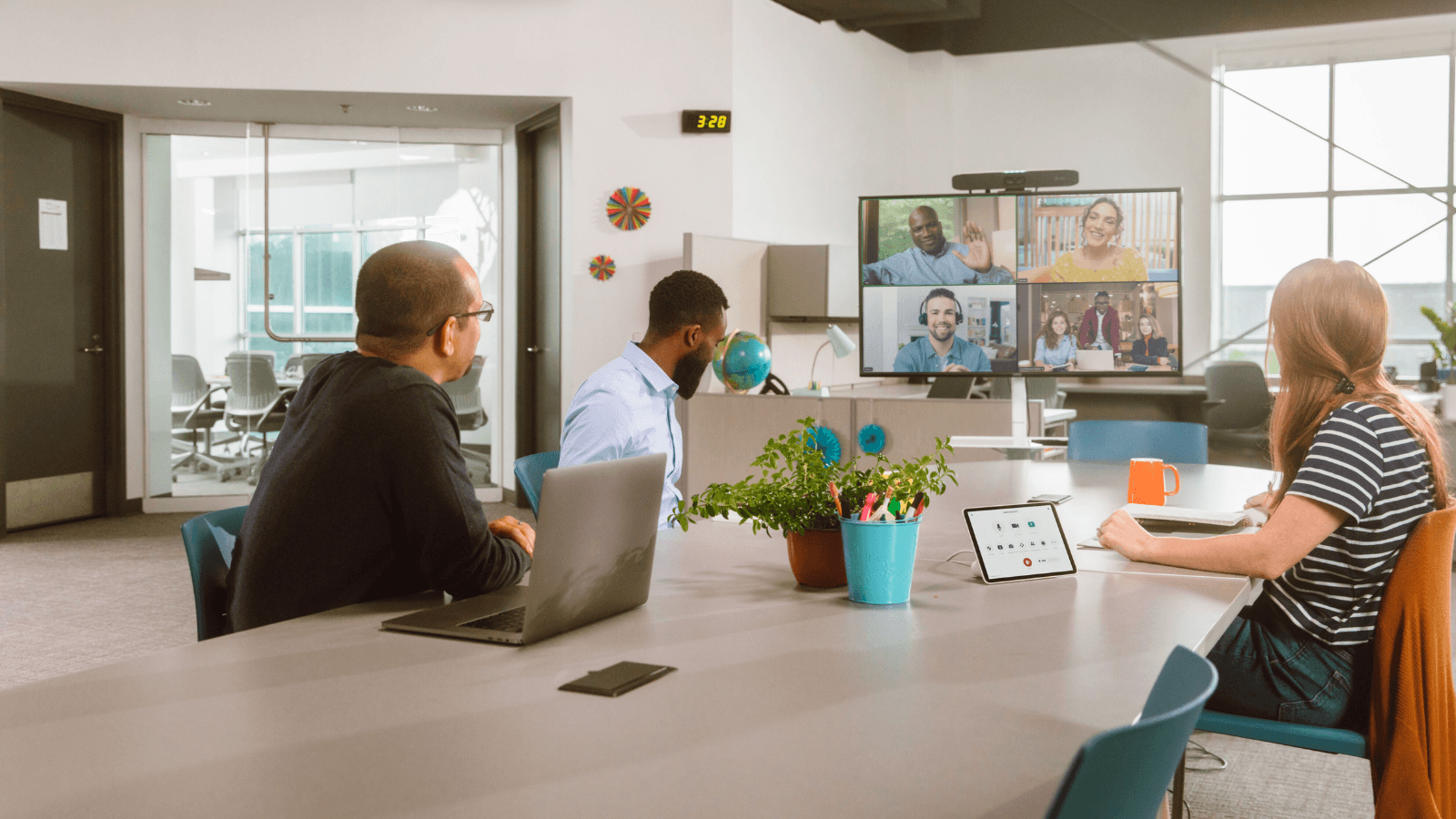
Google Meet is now available on the Logitech Rally Bar, Rally Bar Mini, and Tap IP.
Following setup, admins will be able to enrol, monitor, and manage these devices via the Google admin console.
When in appliance mode, admins are also being provided with a capability that allows them to protect the Rally Bar and the Rally Bar mini using a passcode to ensure that access to the room’s device settings are limited to authorised users.
The video conferencing platform, Google Meet, will be supported as a on the unifying operating system running on these Logitech video collaboration devices, CollabOS v1.11.
Logitech outlines the hybrid working benefits of combining its own technology with Google Meet on its website: “Reimagine work with solutions for a hybrid world. Logitech and Google Meet make meetings more collaborative, more productive, and even more enjoyable.
“So you can give every employee the ability to work from anywhere, maximize their impact, share knowledge, and fully participate regardless of location, device, language, or experience level.
“Bridge the gap between in-person and anywhere else with Google Meet–certified Logitech video solutions.”
The new update, which adds Google Meet availability, will be available to all Google Workspace customers and Logitech Rally Bar and Rally Bar Mini customers, with further Logitech devices due to gain the same capability in due course.
How to Add Google Meet
Admins will need to update CollabOS 1.11 in order to select Google Meet as a conferencing partner application.
Next, follow the on-device prompts to enrol the device onto the Google Meet hardware admin console.
Finally, a Google Meet hardware license will be required to run Google Meet, which can be purchased from a Google Meet hardware reseller.
From an end user perspective, nothing needs to be done. Google Meet meetings can be joined as per usual.