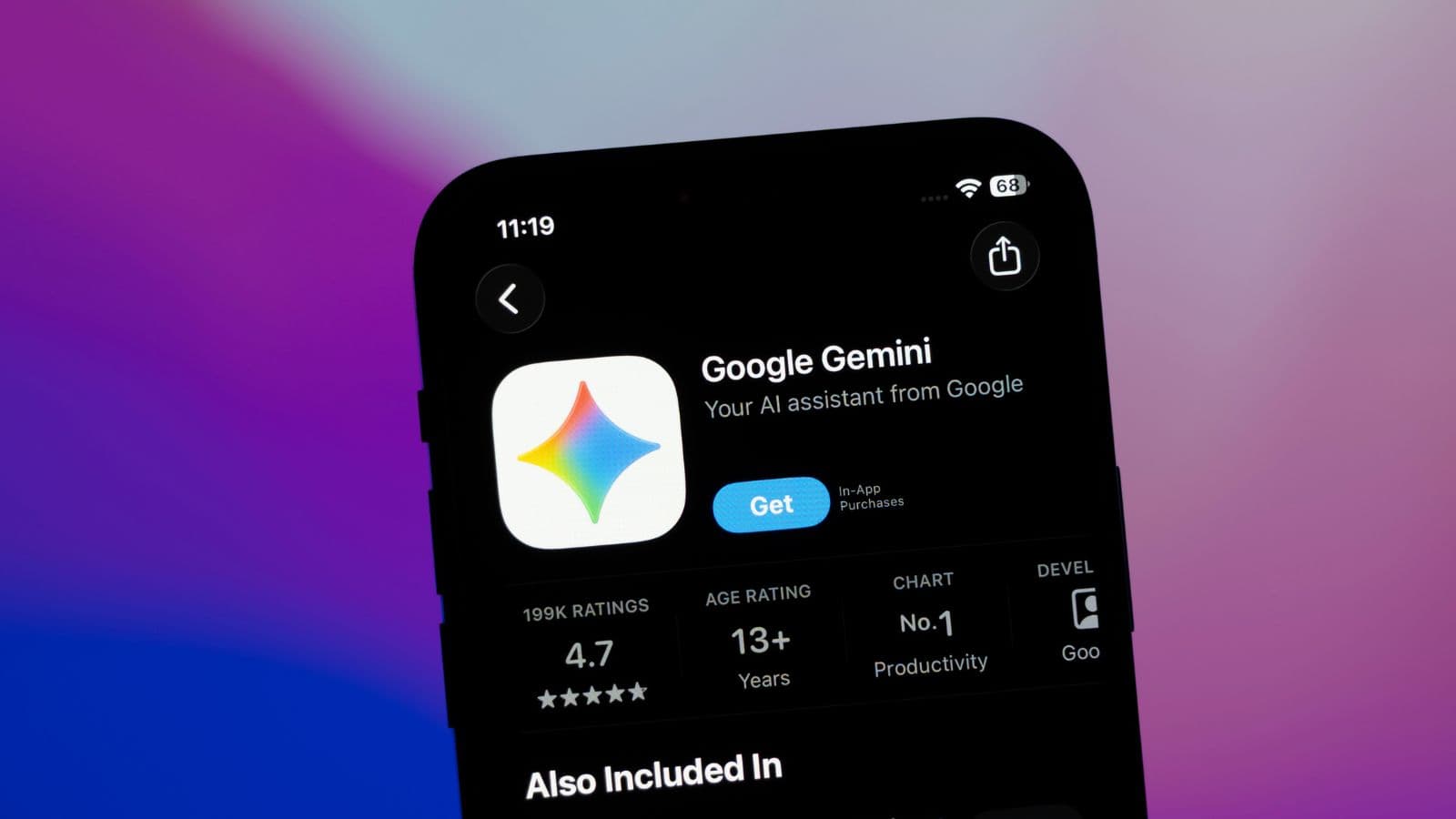
Google is rolling out Gemini-powered features in Chrome for Android at the end of June, including an "auto browse" capability that can take actions on the web on a user's behalf.
It's the clearest sign yet that the AI browser wars are moving beyond chatbots and into autonomous territory – with real implications for how organisations think about device management, data governance, and acceptable use policies.
What's Actually Launching
Built on Gemini 3.1, the update brings three headline features to Chrome on Android.
First, a persistent AI assistant that lives inside the browser and can answer questions about whatever page you're viewing – summarising articles, explaining complex topics, and pulling information from connected Google services like Gmail, Calendar, and Keep.
Second, an image generation and editing tool called Nano Banana that lets users create or modify visuals directly in the browser – turning a webpage into an infographic, for instance, or reimagining a photo with different content.
Third, and most significant, is auto browse. The feature lets Chrome act as an autonomous agent, taking multi-step actions across the web on a user's instruction.
Any workflow that involves navigating websites, filling forms, or triggering transactions is, in principle, within scope.
Auto browse will be restricted to AI Pro and Ultra subscribers at launch, on Android 12 or higher devices in the US.
Why IT Leaders Should Pay Attention
Agentic AI in the browser is a fundamentally different risk profile to a chatbot.
When an employee asks ChatGPT a question, the answer stays in the chat window. When an agentic browser starts navigating websites, submitting forms, and interacting with third-party services on a user's behalf, the blast radius of a mistake – or a malicious prompt – grows considerably.
Google has acknowledged this with a confirmation step before "sensitive tasks" like purchases or social media posts.
But the definition of sensitive is subjective, and in an enterprise context, plenty of consequential actions won't trip that filter.
An agent that can read a Gmail inbox and act on its contents is, effectively, operating with the same permissions as the user.
That's a privilege IT teams will want to think carefully about before it lands on managed devices.