powering productive workplaces
Front page
NewsImmersive Work53m · 14:20 BST · 10 min read

Can Enterprise XR Prove it Belongs in Day-to-Day Work?

Enterprise XR is moving from promising pilots to practical workplace tools. This week’s stories show how AR wayfinding, AI-powered guidance, reusable 3D data and enterprise device management are reshaping the role immersive technology could play in frontline operations

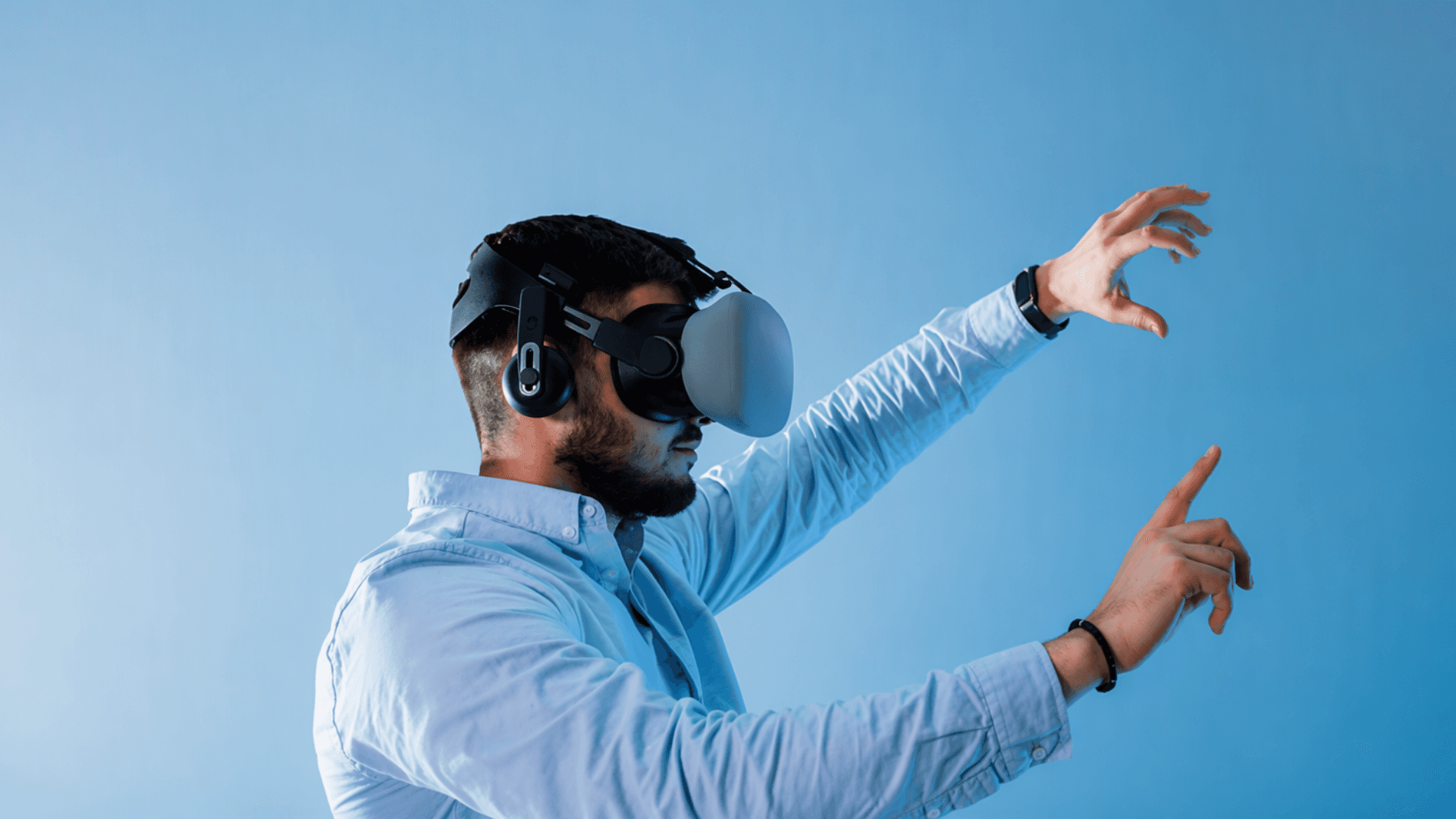
A professional wearing a VR headset interacting with a virtual interface against a blue background, representing enterprise XR adoption.
Discover how enterprise XR is moving beyond pilots into day-to-day operations with AR wayfinding, AI guidance, and Android XR device management.

Enterprise extended reality is being asked to prove a more difficult point than whether it can create an engaging demonstration: can it work reliably alongside the collaboration, data, device-management and frontline systems businesses already depend on?

That question ran through this week’s enterprise XR news. From AstraZeneca’s AR wayfinding programme to Android XR’s expanding enterprise-management capabilities, the most significant developments were not centred on consumer entertainment or headset specifications. They pointed to a market trying to make immersive technology operational.

The five stories below show where that transition is happening, where it remains difficult, and why unified communications, IT and workplace-technology teams should be paying attention.

TL;DR

  • Enterprise XR is moving beyond standalone pilots towards managed, workflow-specific deployments.

  • AR wayfinding, AI-assisted guidance and digital twins are gaining traction because they address defined workplace problems.

  • For UC and IT leaders, the critical issues are now device management, data accuracy, privacy, communications and integration.

Enterprise XR is being judged on operational scale, not immersion

The Augmented Enterprise Summit (AES) in Atlanta this October, provided the clearest signal yet that enterprise XR has entered a more pragmatic stage.

Organisations including Boeing, Delta Air Lines, Southern Company and Chick-fil-A were represented in sessions focused on training, remote support and work instructions. The common issue was not whether virtual reality can make learning more engaging. It was how businesses can move from an isolated proof of concept into a programme that works across sites, teams and operational systems.

That distinction matters for workplace technology leaders. A small XR trial can often be managed by an innovation team. A large deployment requires identity controls, device provisioning, content distribution, network capacity, endpoint support, analytics and a clear route into the tools employees already use.

This is where the enterprise XR conversation begins to overlap with UC. If immersive tools are used to support frontline workers, remote experts or distributed training teams, they cannot operate as a separate technology island. They need to fit within the organisation’s wider communications, mobility and security strategy.

There is still a risk of overstating the maturity of the market. The event’s participants pointed to faster onboarding, lower delivery costs and improved workforce engagement as potential benefits, but individual outcomes will vary by deployment. Businesses should distinguish between vendor claims, early pilot results and independently verifiable operational metrics.

What This Means for UC Leaders

XR is increasingly becoming another connected workplace endpoint. UC and IT teams should be involved before rollout, particularly when immersive devices need access to enterprise identity, communications platforms, frontline workflows or sensitive operational information.

AstraZeneca is putting AR wayfinding to work in a regulated environment

One of the week’s most compelling enterprise stories came from AstraZeneca. At AES 2026, Associate Director of Digital Products for XR Danny Allen presented “Finding 7,000 Needles: How AstraZeneca Scaled AR Wayfinding,” a case study focused on helping technicians and quality-control employees locate and navigate a large number of physical assets.

The project stands out because it is not framed as a broad promise to reinvent work through immersive technology. It addresses a specific operational problem. In complex pharmaceutical environments, staff need to find equipment, understand its context and access the right information without relying entirely on local knowledge or time-consuming manual searches.

That makes AR wayfinding a useful test case for enterprise adoption. The value does not depend on employees spending an entire shift inside a virtual environment. Instead, the technology has to surface the right spatial information at the point where a worker needs it.

However, the pharmaceutical context also raises the stakes. Information presented through an AR interface must be accurate, current and appropriate for employees to act upon. In a regulated environment, poor asset records, incorrect location data or unclear ownership of content could turn a promising workplace tool into a compliance risk.

For UC and workplace-technology teams, the lesson is that frontline AR is ultimately an information-governance challenge. The interface may be spatial, but the success of the experience depends on how well the underlying data, permissions and communications processes are managed.

Why It Matters

The strongest AR use cases are often narrow and operational. They use spatial information to remove a defined delay, dependency or source of error, rather than asking employees to adopt immersive technology for its own sake.

AI guidance is moving from the training room to the point of work

Another important development came from Hitachi’s LANDCROS business, which used AES to discuss AI Assist Pro alongside partners Ramblr, NVIDIA and Dell. The case study focused on taking visual intelligence from a pilot into production across heavy-equipment workflows and wearable devices.

The story reflects a growing ambition for XR in industrial settings. Rather than using virtual reality solely to train employees before they begin a task, businesses are exploring whether AI can provide contextual support while the task is happening.

That could include identifying equipment, retrieving a relevant procedure, guiding a worker through a sequence of steps or connecting them with an expert when the system reaches the edge of its capability. Convai also discussed the idea of an artificial intelligence subject-matter expert that can use real-time video to provide worker guidance after formal training ends.

For distributed workforces, this has obvious communications implications. The most useful experience may not be a fully immersive virtual environment. It may be a lightweight interface that combines visual context, voice interaction, documentation and escalation to a human specialist.

Yet the AI element introduces a significant governance challenge. Organisations need clear policies on what the system is allowed to see, what it can recommend, how its guidance is validated and when workers must defer to a qualified person. In high-risk environments, “helpful” AI advice is not enough. It has to be explainable, traceable and controlled.

Definition: AI-Enabled Work Guidance

AI-enabled work guidance uses contextual information, such as a worker’s location, visual input or task history, to provide relevant instructions or support. It can improve access to expertise, but it requires accurate data, defined permissions and clear human escalation routes.

The XR industry is discovering that reusable 3D data matters more than one-off experiences

Enterprise XR depends on content, but this week’s discussions showed that the bigger issue is whether that content can be reused. Unity’s AES keynote focused on the infrastructure needed to move from individual 3D projects to repeatable 3D programmes.

The underlying problem is familiar to many technology teams. Different departments may create separate 3D assets for training, simulation, product design, remote support and customer visualisation. Each project can look successful in isolation, but the organisation ends up paying repeatedly to recreate information it already has.

Trek Bicycle’s case study on moving engineering data from computer-aided design, or CAD, into OpenUSD was one example. Other sessions explored digital twins, 3D models generated from drone capture and immersive design reviews. Together, they suggest that XR’s long-term value will depend less on individual applications and more on the data architecture beneath them.

This has a direct UC and collaboration angle. Shared 3D environments can make remote design reviews, expert consultations and operational planning more visual and context-rich. But those experiences only become practical when participants can trust that they are looking at the same current version of an asset, environment or process.

It also means that XR procurement cannot sit entirely with a workplace-experience or innovation team. Engineering, operations, data, security and communications stakeholders all have a role in deciding how spatial information is created, updated and shared.

Key Takeaway

A business does not necessarily need a large headset fleet to begin preparing for XR. It may first need a more disciplined approach to 3D content, engineering data and the systems that govern how those assets are shared.

Android XR is becoming easier for IT teams to manage

The final story is less visually dramatic, but it may prove more significant for enterprise adoption. Android Enterprise management is now available for Android XR devices, beginning with Samsung Galaxy XR.

According to Samsung, the platform supports enterprise deployment methods including zero-touch enrolment, QR-code setup and Device Policy Controller provisioning. It also supports fully managed and dedicated-device use cases, managed application distribution, password policies, network settings, restrictions and remote lock or wipe.

Those are familiar capabilities in mobile-device management, but their arrival in XR is important. It gives organisations a route to manage immersive hardware as part of their existing endpoint estate, rather than treating it as a specialist exception.

Google and Qualcomm also used AES to position Android XR as an open enterprise-development foundation. The platform supports Unity and OpenXR development, while developers working with conventional Android applications can use Kotlin to bring existing apps into 3D environments.

For UC teams, this should prompt a broader question: where do headsets and smart glasses fit within endpoint, collaboration and security policies? A device that can receive enterprise data, capture audio or video, display work instructions and connect workers with remote experts is not simply an XR device. It is a communications endpoint with a different interface.

Buyer Checklist: Preparing for Enterprise XR

  • Start with a defined task — identify the operational bottleneck, risk or knowledge gap the technology must address.

  • Assess the data foundation — confirm that asset, process and location information is accurate, governed and current.

  • Bring UC and IT teams in early — consider identity, connectivity, collaboration, support and endpoint management before selecting hardware.

  • Set privacy rules before deployment — define what devices can capture, who can access data and how long it is retained.

  • Measure outcomes, not novelty — assess time to competency, error reduction, resolution speed, worker adoption and other relevant operational metrics.

What do this week’s XR stories mean for the workplace?

The most important lesson from this week is not that every business needs an XR strategy. It is that immersive technology is becoming more closely connected to existing workplace priorities.

AstraZeneca’s AR wayfinding project shows how spatial interfaces can support a specific frontline challenge. Hitachi’s AI guidance work highlights the potential, and risks, of bringing contextual intelligence into industrial workflows. Unity’s focus on reusable 3D data reveals that content infrastructure may matter more than a single high-profile experience. Android Enterprise support shows that device management is beginning to catch up with enterprise needs.

For UC leaders, the opportunity is to ensure this technology is designed as part of a connected workplace. That means considering how workers communicate, how expertise is shared, how devices are secured and how information flows across the physical and digital environments employees increasingly have to navigate.

XR may still have a long way to go before it becomes a standard workplace interface. But this week’s developments suggest that the industry is starting to focus on the things that will decide whether it gets there.

Frequently Asked Questions

What is enterprise XR?

Enterprise XR is the use of virtual reality, augmented reality and mixed reality for business activities such as employee training, remote assistance, design review, maintenance, simulation and work guidance.

Why should UC teams care about enterprise XR?

XR devices increasingly act as connected workplace endpoints. They can give employees access to collaboration tools, documentation, AI guidance and remote experts, creating implications for identity, network capacity, security, privacy and endpoint management.

What is AR wayfinding?

AR wayfinding overlays digital directions, asset information or contextual guidance onto a physical environment. In enterprise settings, it can help workers locate equipment, navigate sites and access information at the point of work.

What is stopping enterprise XR from scaling?

Common barriers include the cost of content creation, poor data quality, device management, systems integration, user adoption, privacy concerns and the difficulty of proving measurable business value.

Does Android Enterprise support make XR ready for business?

It removes an important management barrier by allowing supported XR devices to use familiar enterprise mobility-management practices. Organisations must still assess security, user experience, integration, content and whether the device suits the intended workflow.

rate this story
helps rank stories across uc today
The discussion0 takes · attributed & checked

Does this reflect your experience?

opening the room…
Read nextordered by techtelligence · every pick explained
same beat · Immersive Work

The Future of AI Glasses: The Risk, Rules and Reward

15 Oct 2026
same beat · Immersive WorkEnterprise XR’s Quiet Pivot: Fewer Headsets, More Plumbing13 Oct 2026same beat · Immersive WorkWhy Is Amazon’s Smart-Glasses Rollout a Governance Test?8 Oct 2026