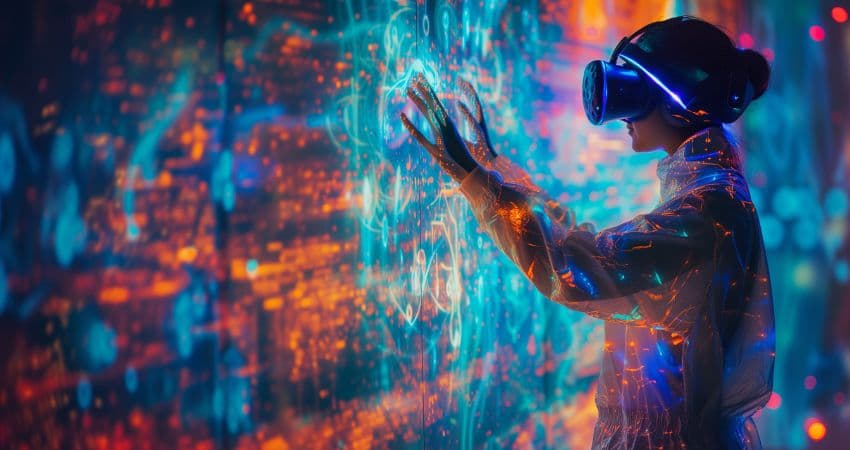
XR is probably the most “creative” category in the modern digital workplace — not because it looks futuristic, but because it keeps turning impossible collaboration moments into normal Tuesday behaviour. On World Creativity and Innovation Day 2026, that’s the part worth celebrating: not headsets as theatre, but XR as a practical way to build, explain, and execute work when a flat screen just doesn’t cut it.
This year’s theme has been framed around harnessing creativity for global progress. In enterprise terms, XR does that when it turns messy human work into clearer shared understanding — faster decisions, fewer misunderstandings, and less “can you see my cursor?” energy. Unity's Industry Trends Report 2026 summed it up:
“The next wave belongs to those who can imagine it - and build it.”
Below are 10 ways XR has quietly “revolutionised” enterprise UC — not by replacing meetings, but by upgrading what meetings can be (and when you should skip them entirely).
1. XR turns “alignment” into a shared object, not a debate
In most organisations, meetings don’t fail because people are lazy. They fail because people are imagining different things. XR’s most underrated UC impact is brutally simple: it gives teams a shared reference that’s harder to misunderstand. When everyone can point at the same thing (in the same “space”), alignment becomes faster and less political.
2. Immersive collaboration makes complex work feel less abstract
There’s a category of work where video calls feel like trying to explain a building using emojis. XR helps when complexity has shape: workflows, spaces, systems, products, environments. In those moments, immersive collaboration doesn’t “feel cooler” — it feels clearer.
That’s why Microsoft has pushed immersive experiences inside Teams. The bet isn’t “VR meetings.” It’s that some work needs context you can step into, not context you can screen-share.
3. XR reduces the meeting load by making updates replayable
Most updates don’t need live attendance. They need clarity. XR is increasingly useful as a “replayable presence” layer: recorded spatial walkthroughs, narrated environments, persistent notes anchored to context. Done well, it turns part of your meeting culture into asynchronous, high-signal communication — which is basically the dream.
4. It upgrades remote workshops from “talking” to “making”
Workshops are supposed to produce something: a plan, a prototype, a shared model, a decision trail. XR shines when it makes the output feel tangible. Instead of ending with “great chat everyone,” teams end with a created artefact that persists — and that’s the difference between collaboration and performance.
5. XR makes “show me” the default language in cross-functional teams
The best UC outcome isn’t more communication — it’s fewer misunderstood handoffs. XR helps teams move from explanation to demonstration. That’s particularly powerful across IT/ops/design/product, where language differences normally create slow friction. XR becomes the translator: not between languages, but between disciplines.
6. Spatial computing is reshaping how people multitask (without the chaos)
Traditional multitasking in meetings is cursed: tabs, notifications, context switching, and a brain that’s 40% present. Spatial computing flips that dynamic by giving people “room” to organise attention. With Apple pushing spatial productivity expectations via Vision Pro-era workflows, enterprises are getting a preview of how work might look when screens aren’t the only surface that counts.
7. XR enables “presence” for hybrid work without forcing everyone into VR
The future isn’t “all-hands in headsets.” The future is flexible presence: a mix of laptop users, room systems, and immersive participants where it makes sense. Platforms like Meta have leaned into this with workplace-focused VR collaboration concepts — not because everyone loves headsets, but because certain moments (creative reviews, team rituals, embodied workshops) benefit from more presence than a webcam rectangle can deliver.
8. It makes frontline communication more visual, less interruptive
Frontline teams don’t need more pings. They need better timing and clearer context. XR’s long-term UC value here is subtle: it changes how information shows up. Instead of interrupting the worker with another device and another app, guidance becomes contextual. That’s a communication upgrade — not just a UX upgrade.