The hybrid meeting concept has become common in most business environments. As of 2022, approximately 78% of all workplaces offer hybrid working opportunities to employees, leveraging the benefits of both in-office and remote work.
Enabling effective hybrid meetings in today’s world requires companies to do much more than implement communication strategies between remote and in-office workers. To ensure every employee feels engaged in the meeting experience, organizations need to rethink the meeting room, implementing new tools and technologies which bridge the gaps between physical spaces.
As one of the leading innovators in the hybrid work landscape, Microsoft has worked extensively to empower hybrid teams over the last few years with software, AI, and innovative partnerships with hardware vendors. Here’s how companies can create more powerful hybrid meeting rooms with Microsoft Teams in the years ahead.
Enhancing Physical Meeting Spaces with Microsoft Teams
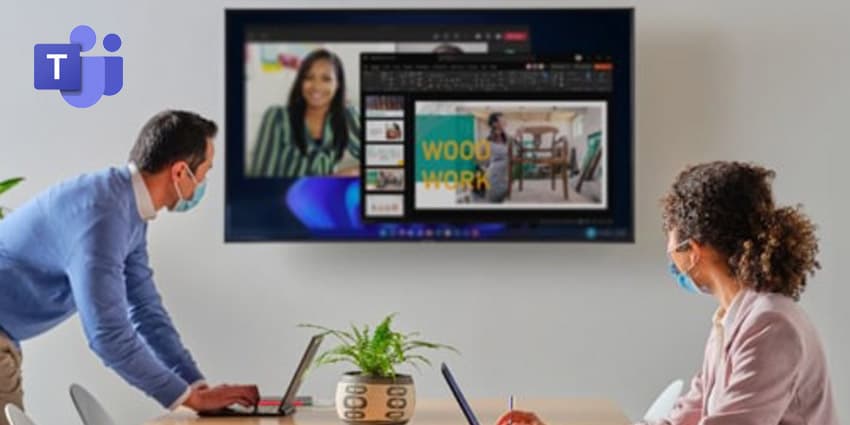
For most companies, building the ultimate hybrid meeting room starts with rethinking the meeting spaces available to office-based workers. Microsoft believes the ultimate hybrid meeting space will combine the physical and virtual worlds to make every employee feel like they’re sharing the same productive space.
To strengthen the connections between distributed employees, Microsoft has built various tools into the Teams environment, including an enhanced Microsoft whiteboard for visual collaboration and a refreshed “Surface Hub” environment. Microsoft also works with vendors in the AV space to offer a range of intelligent cameras to meeting rooms, which include features like automatic person recognition, AI-powered speaker tracking, and support for multiple video streams.
Intelligent cameras can be paired with Dynamic View in Teams, and business leaders can set Teams to automatically adjust different aspects of the meeting so remote participants can easily see the room and available content. Microsoft’s meeting tools include a range of AI components that help to boost eye contact and connectivity between different employees while allowing everyone to share and manage content cohesively in the same place.
Microsoft recently introduced the new “Microsoft Places” solution, which helps companies manage hybrid meeting rooms.
Microsoft Places is a “Connected Workplace” tool that assists with hybrid scheduling, intelligent booking for meeting rooms, and office coordination. The tool includes built-in wayfinding to help users find the right room for a meeting. Plus, space insights are available to optimize in-office huddle rooms and meeting rooms. Users can even track which team members are expected to be available in the office on different days.
Empowering Remote Workers with Microsoft Teams
To help position remote workers within the office on a virtual level, Microsoft Teams also comes with a wide range of tools specifically designed for distributed staff members. For instance, PowerPoint has the built-in “Cameo” functionality, seamlessly integrating Teams cameras into a presentation to help users customize how they appear on slides.
Microsoft Teams also has a phenomenal “Speaker Coach” application within Microsoft Teams, which uses AI to privately share guidance on pacing to remote workers, and notify them if they might be interrupting someone in a meeting. The technology also enables automatic lighting corrections, allowing remote workers to improve their visibility in any environment.
Microsoft Teams works with many external apps and tools to make accessing meeting rooms and collaborative sessions easier for every business user. Teams can connect to meetings from Apple CarPlay and make calls hands-free when they’re on the road.